Active and inactive scenarios
There are two ways you can work with scenarios in Make. Depending on how you want to use your scenario, you will either activate or inactivate it.
- Active scenarios run periodically according to their defined scheduleschedule.
- Inactive scenarios are executed once and whenever you wish to run them.
You may change between the two statuses whenever you like (active scenarios can become inactive and vice versa).
When to activate or deactivate
There are specific purposes for activating your scenarios as well as other reasons for making your scenarios inactive.
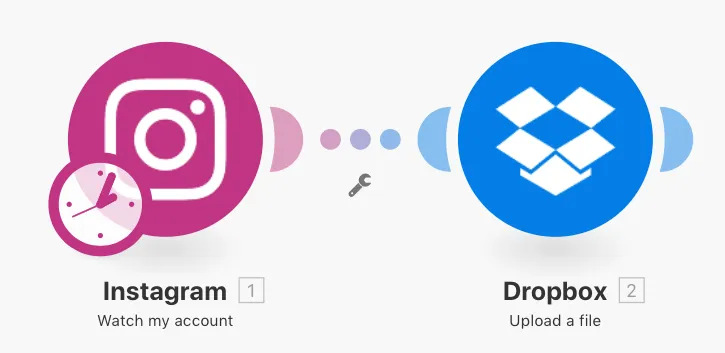
Using the example of connecting Instagram to Dropbox, you want to activate your scenario when you are wanting to consistently watch your account on a long-term basis. In this case, whenever you add a photo, it will automatically upload this photo to Dropbox. It will do so according to its scheduleschedule.
On the other hand, the inactive scenario is great for when you simply want to select photos from a specific time interval. Clicking the Run once icon in the toolbar will start a one-time execution of the scenario.
Activating scenarios
A newly created scenario is, by default, inactive. You can activate it by clicking the ON/OFF button in the scenario details page.