Create your first scenario
The best way to understand Make is to try it yourself! This guide will walk you through creating your first Make scenario—an automated workflow that will send notifications to a sales team. By the end, you'll understand Make's core concepts and be ready to build your own scenarios.
A scenario is a series of modules that indicate how data should be transferred and transformed between apps/services. In Make, each team can create up to 100 scenarios per day. Each scenario has a size limit of 2 MB.
What you'll build
You'll create a notification system that bridges the gap between marketing and sales teams. Imagine this business challenge: your marketing team adds new prospects to a spreadsheet, and your sales team needs immediate notifications.
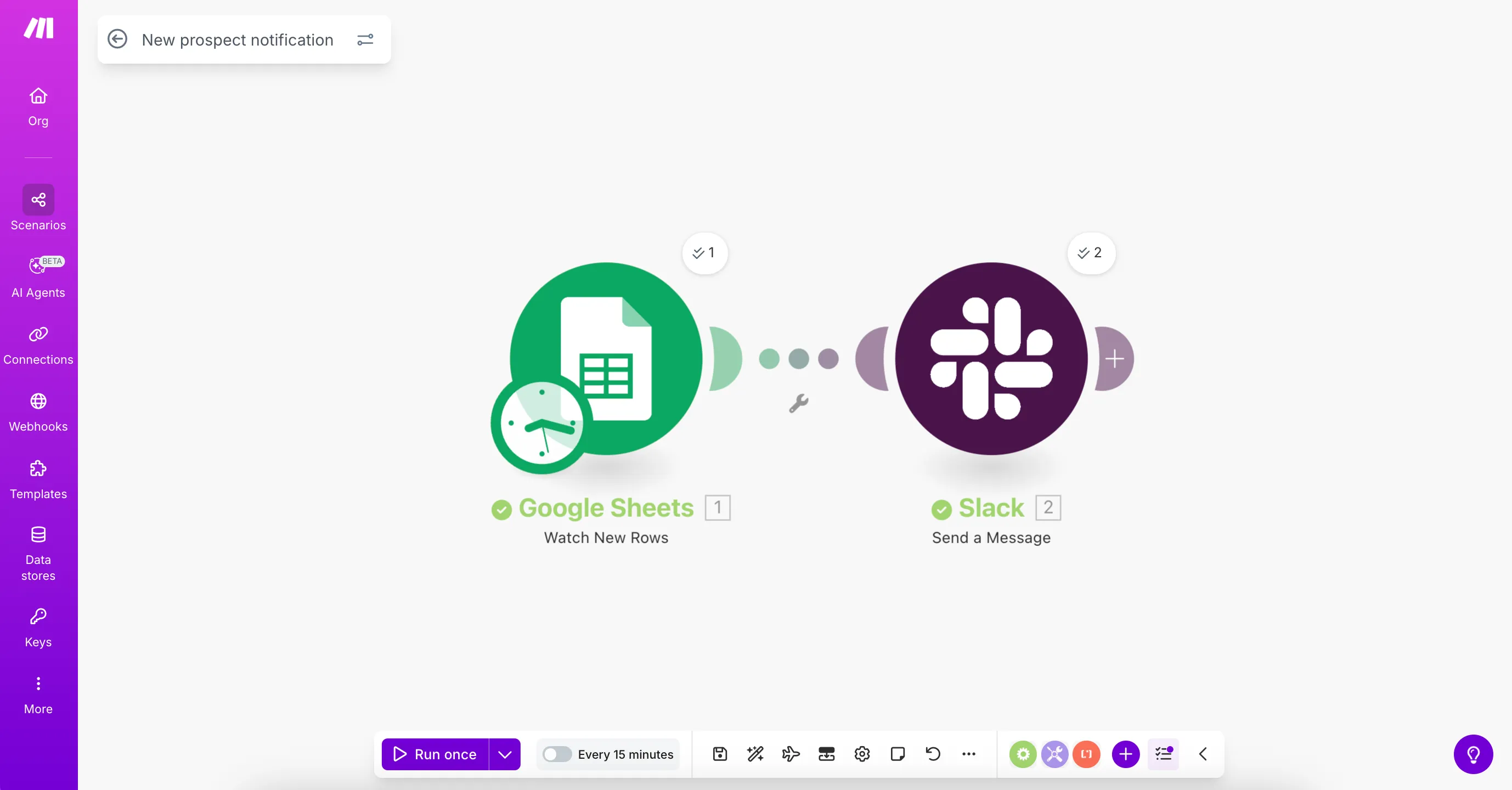
Your Make scenario will:
- Monitor a Google Sheet for new prospect entries by the marketing team.
- Send Slack notifications to the sales team when new prospects are added.

What you'll need
- A Make account (Create one here)
- A Slack account and workspace (Sign up for Slack)
- A Google account (Create an account)
All these accounts are free to create, including a Make account. While this guide uses Slack and Google Sheets, you can adapt these steps to work with your preferred applications.
Here's a preview of what your finished scenario will look like: