Devices
1 min
To use Make for Apple iOS or Make for Android apps, it is necessary to add your iOS or Android device to your Make account.
You can add your device to Make by opening the mobile app and scanning a QR code generated on the Devices page.
Prerequisites:
- Make for Apple iOS app or Make for Android app installed on your device.
Add a device using a QR Code
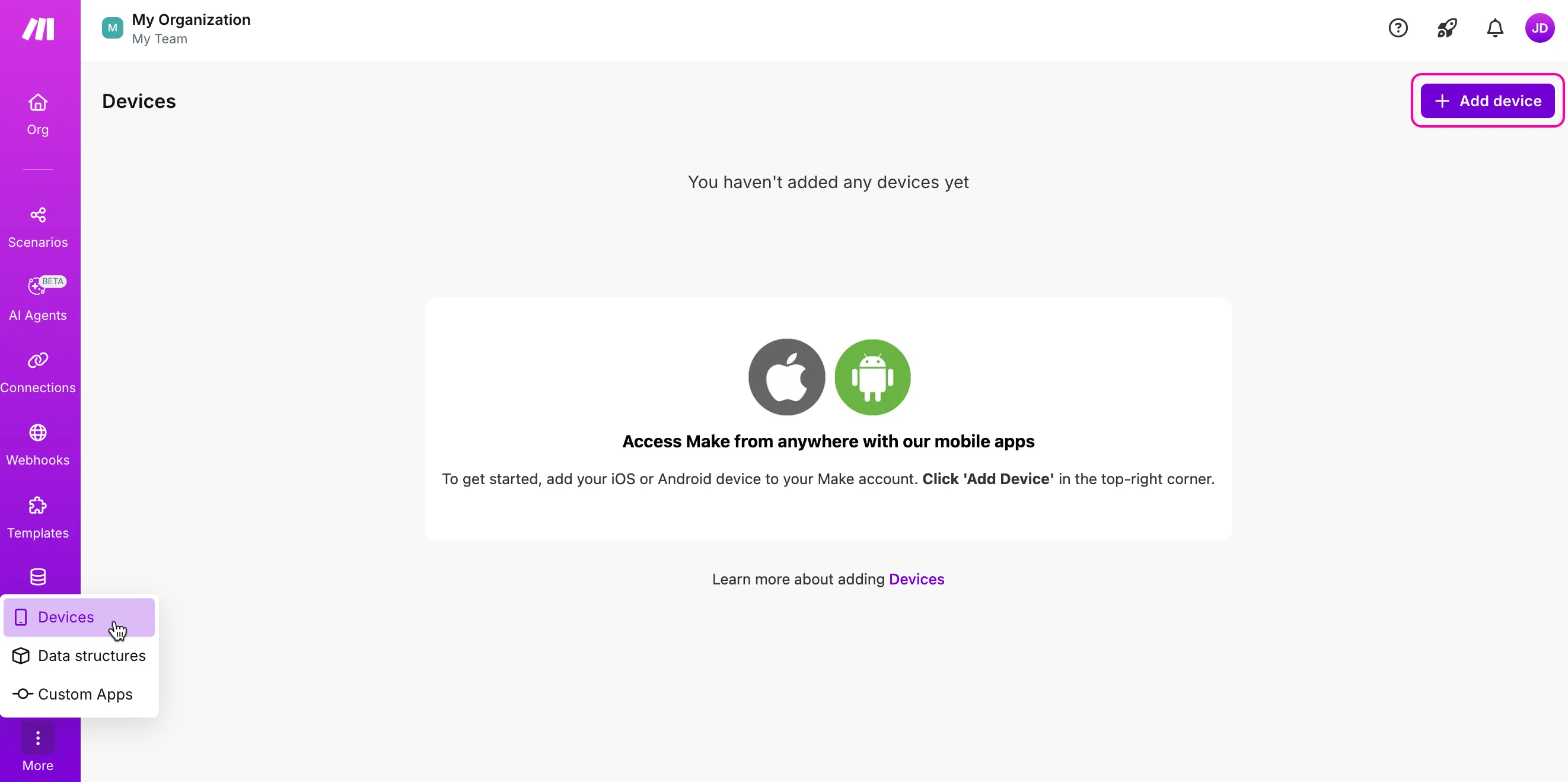
In the left sidebar, click Devices.
Click +Add device.
In the Add device window, type a name for your device and click Continue.

The screen with the QR code will appear.

Open the Make app on your iPhone or Android device.
In the screen that appears, tap Scan a QR Code. Scan the code you see in Make.
If scanning doesn't work, you can manually enter the code displayed.
Click Save.
Your mobile device now displays your account settings. Your browser now lists your device on the Devices page.
