New Make Functions app
The Make Functions app introduces a visual way to handle data transformations within your scenarios. Previously, Make IML (Integromat Markup Language) functions were only accessible inside mapping fields. With this update, these functions are now available as standalone modules.
By transforming functions into modules, you can now build clear, step-by-step data transformation workflows by chaining them together. This makes complex logic easier to read and maintain without writing nested code.
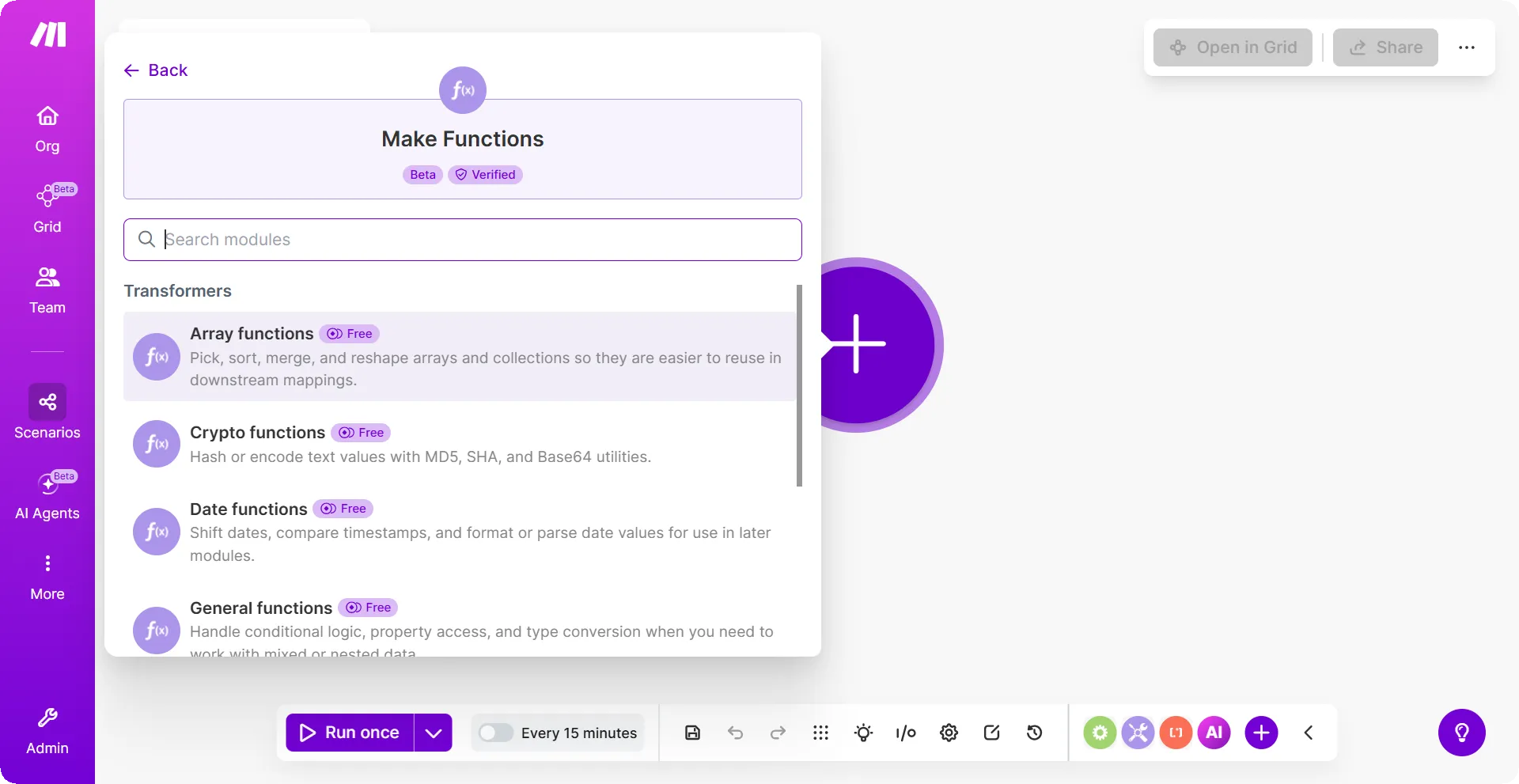
Key benefits
Visual data transformation: Functions are now modules that you can see and connect in the scenario builder. Each module has clearly defined inputs and outputs, so you can inspect and adjust transformations without editing mapping fields.
Chained transformations: Use the Transform functions module to combine multiple operations in one step, which makes complex data prep easier to read and maintain.
Built-in search: Find available functions as you build, you can now choose the right operation without memorizing function names in advance.
Full function coverage: Make Functions includes six module types - String, Math, Array, Date, General, and Crypto, covering the most common data transformation tasks in a single app.
How to use it
To add a Make Functions module to your scenario:
In the scenario builder, click the + icon to add a new module.
Search for Make Functions, then select the module type you need (for example, String functions or Date functions).
In the Operation field, select the operation from the dropdown.
Fill in the required fields. Map values from previous modules where needed.
Click OK.
The module outputs a bundle you can map into subsequent modules.
To learn more about Make Functions, see the Make Functions page.