Step 7. Test the final scenario
Now that you've added an aggregator to your scenario, it's time to test the complete scenario to make sure everything works as expected.
Go to your Prospects spreadsheet and add three or more new rows where:
- At least two prospects have the USA in the Country column
- One prospect has a different country in the Country column

In the Scenario Builder toolbar, click the Run once button.
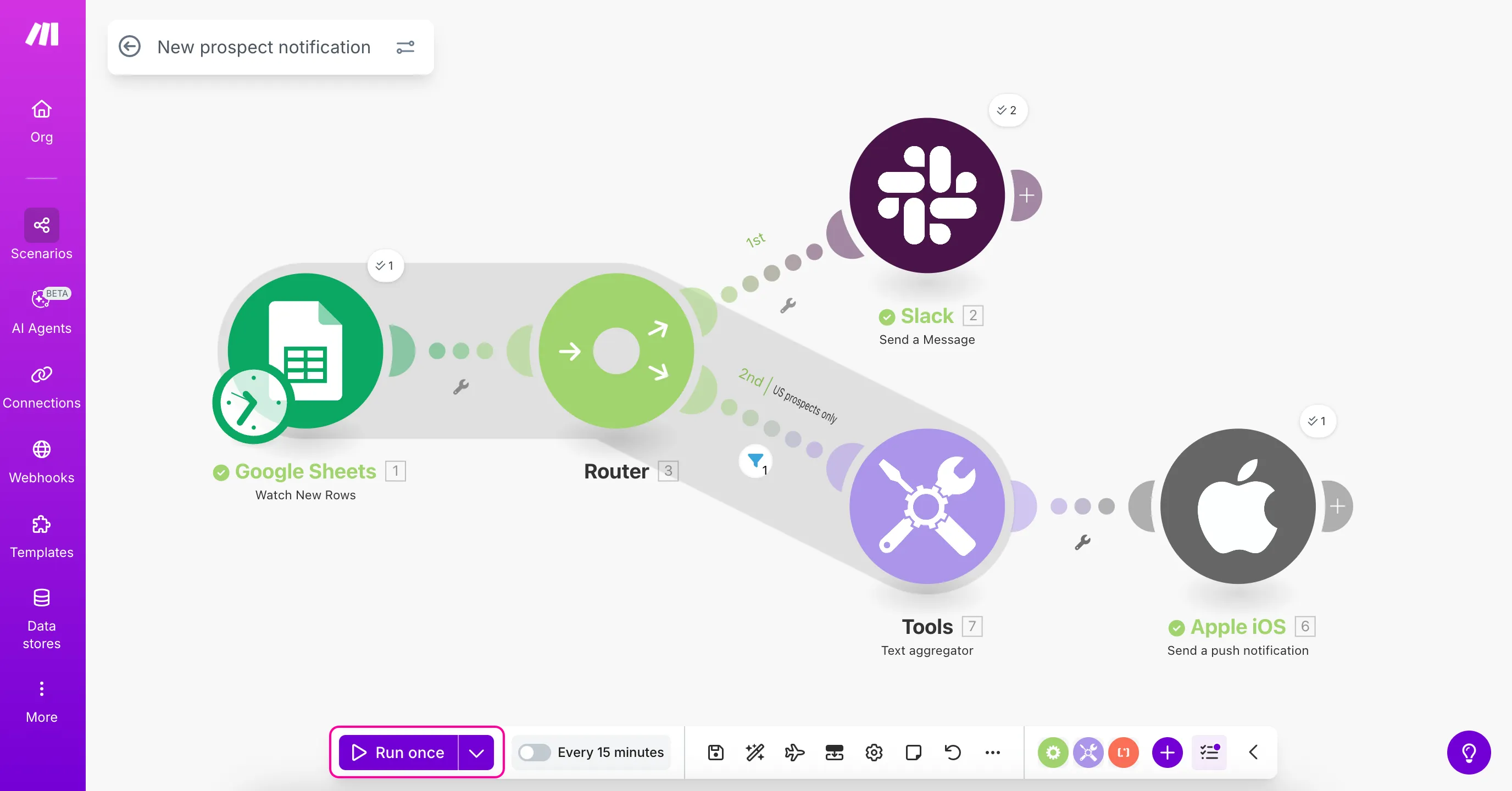
By default, the Google Sheets > Watch New Rows module will only find the new rows added since you last ran your scenario. To process all rows again:
- Right-click the Google Sheets module
- Select Choose where to start
- Choose All and click Save
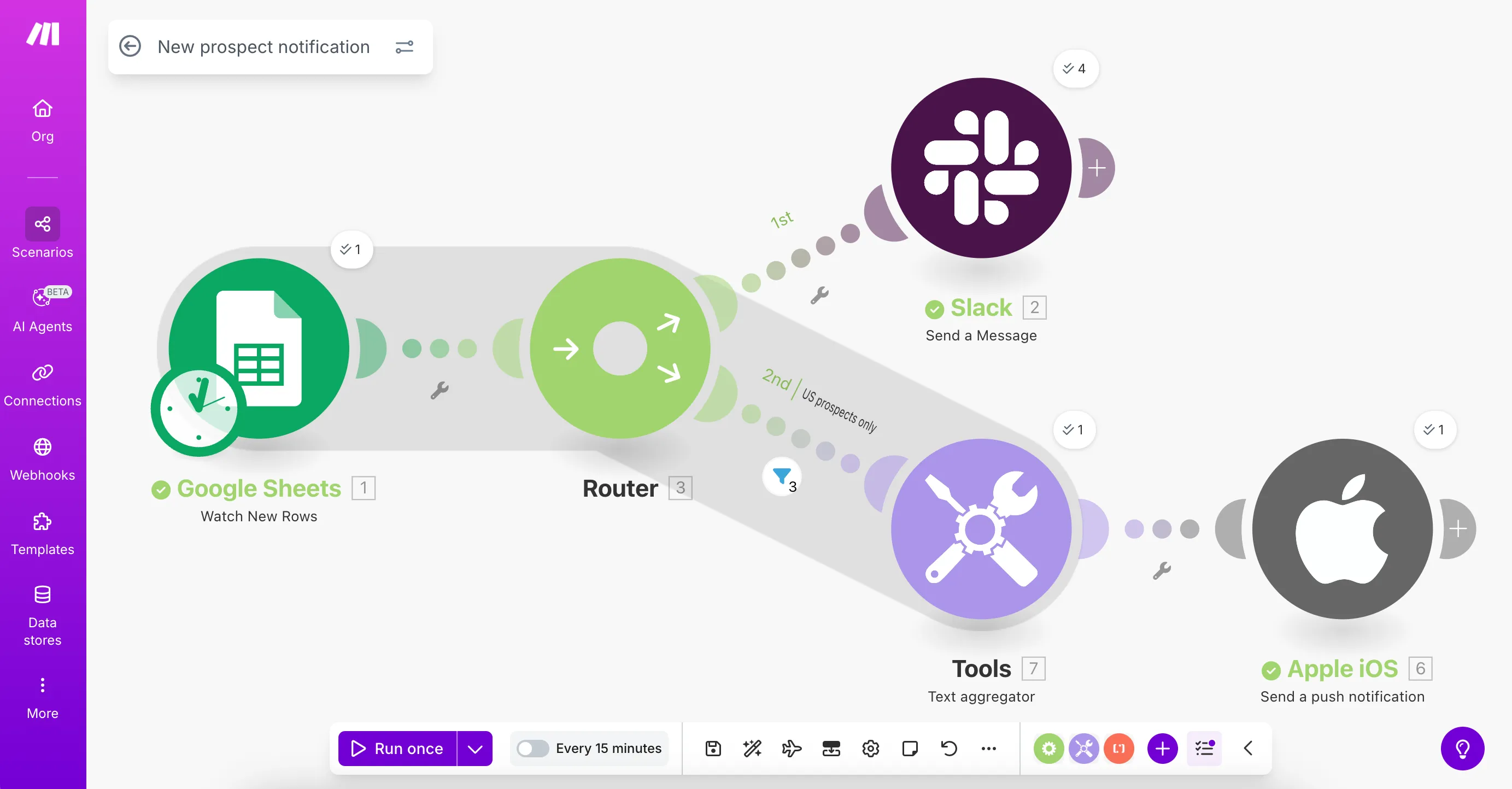
Check the output bubbles above each module to see the results. The numbers shown in the bubbles indicate how many operations were completed.
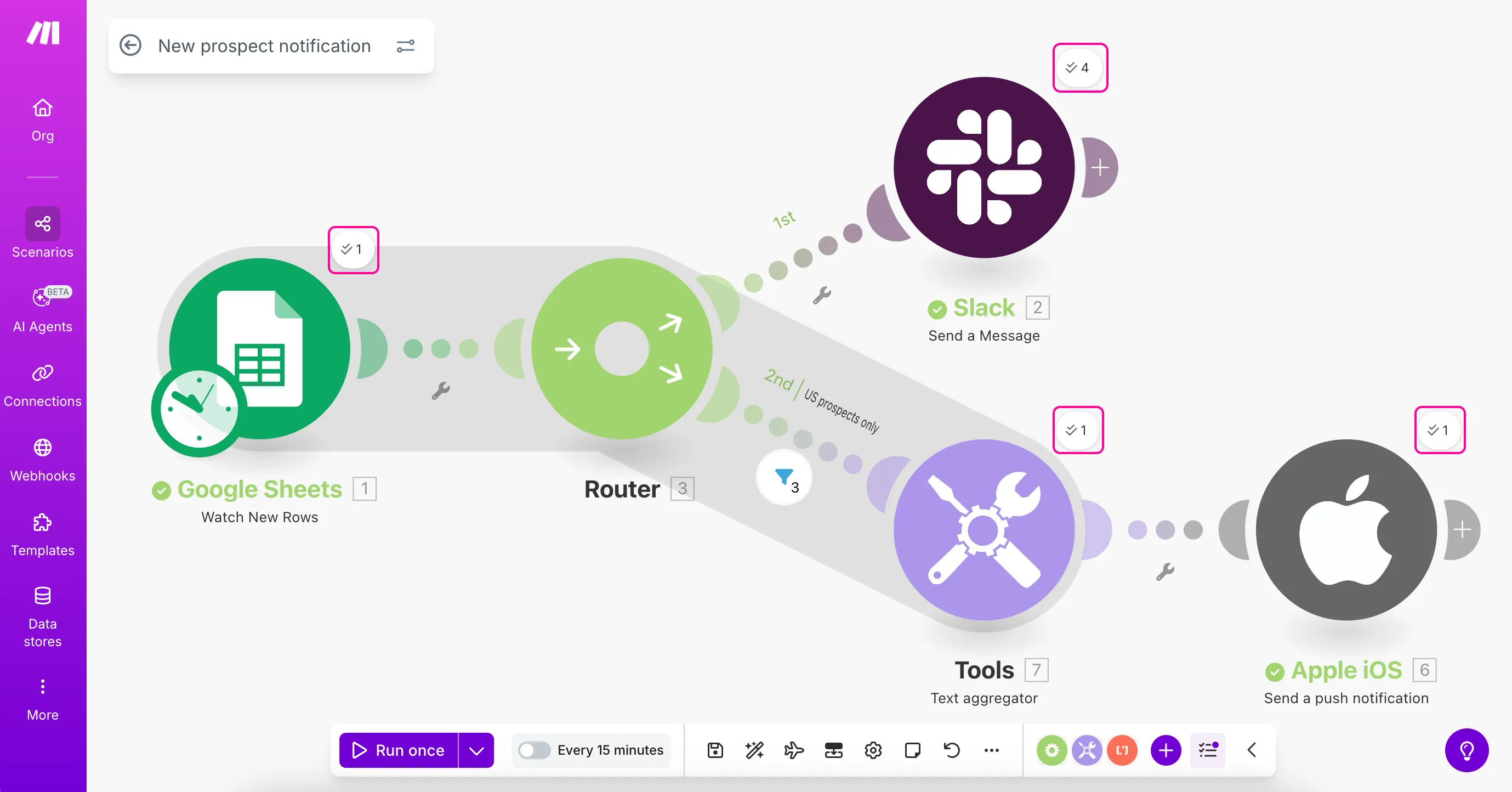
Click on the bubbles to view the details.
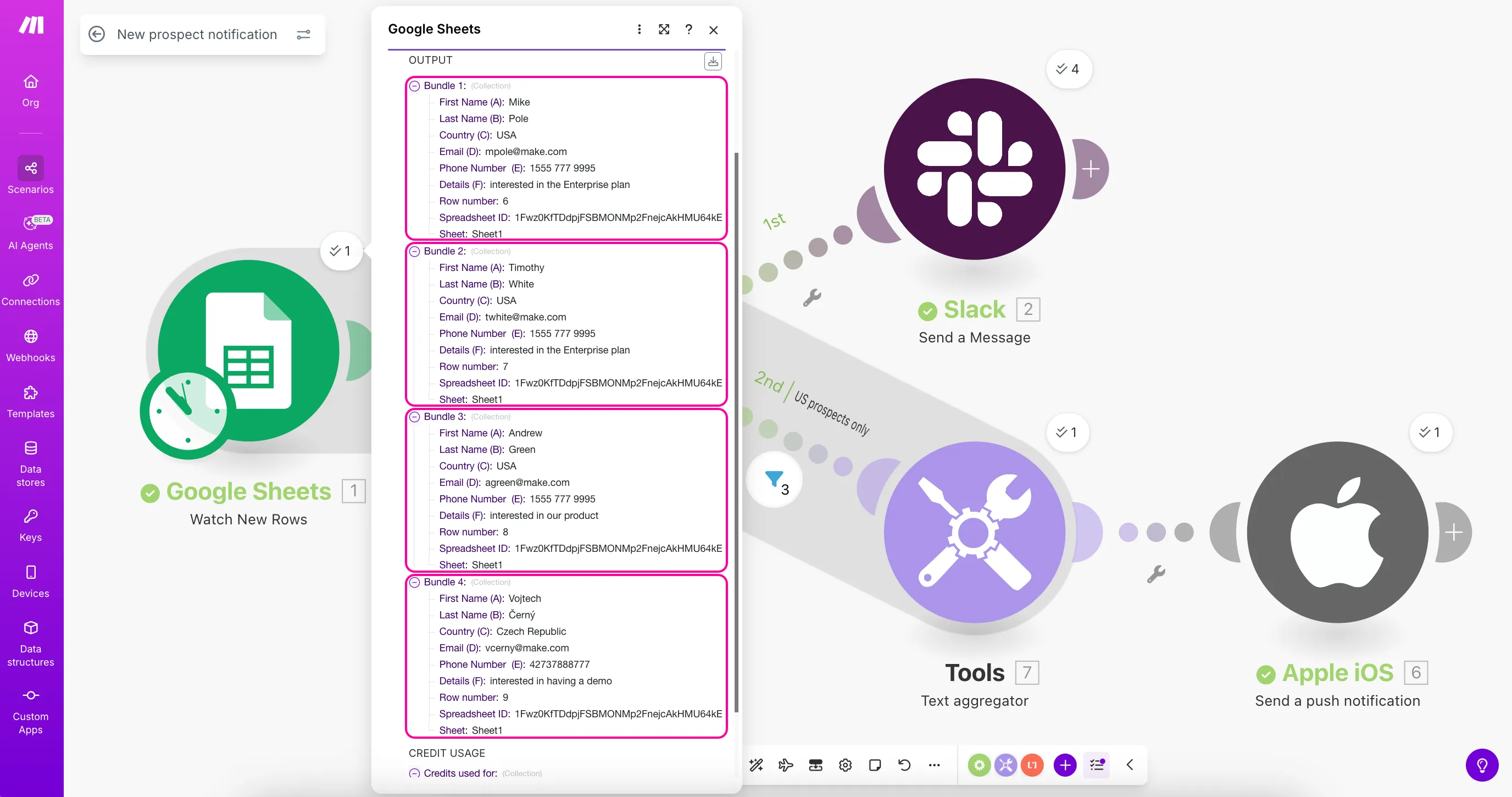
The Google Sheets > Watch New Rows module should show all new prospects you added, depending on the limit you set:
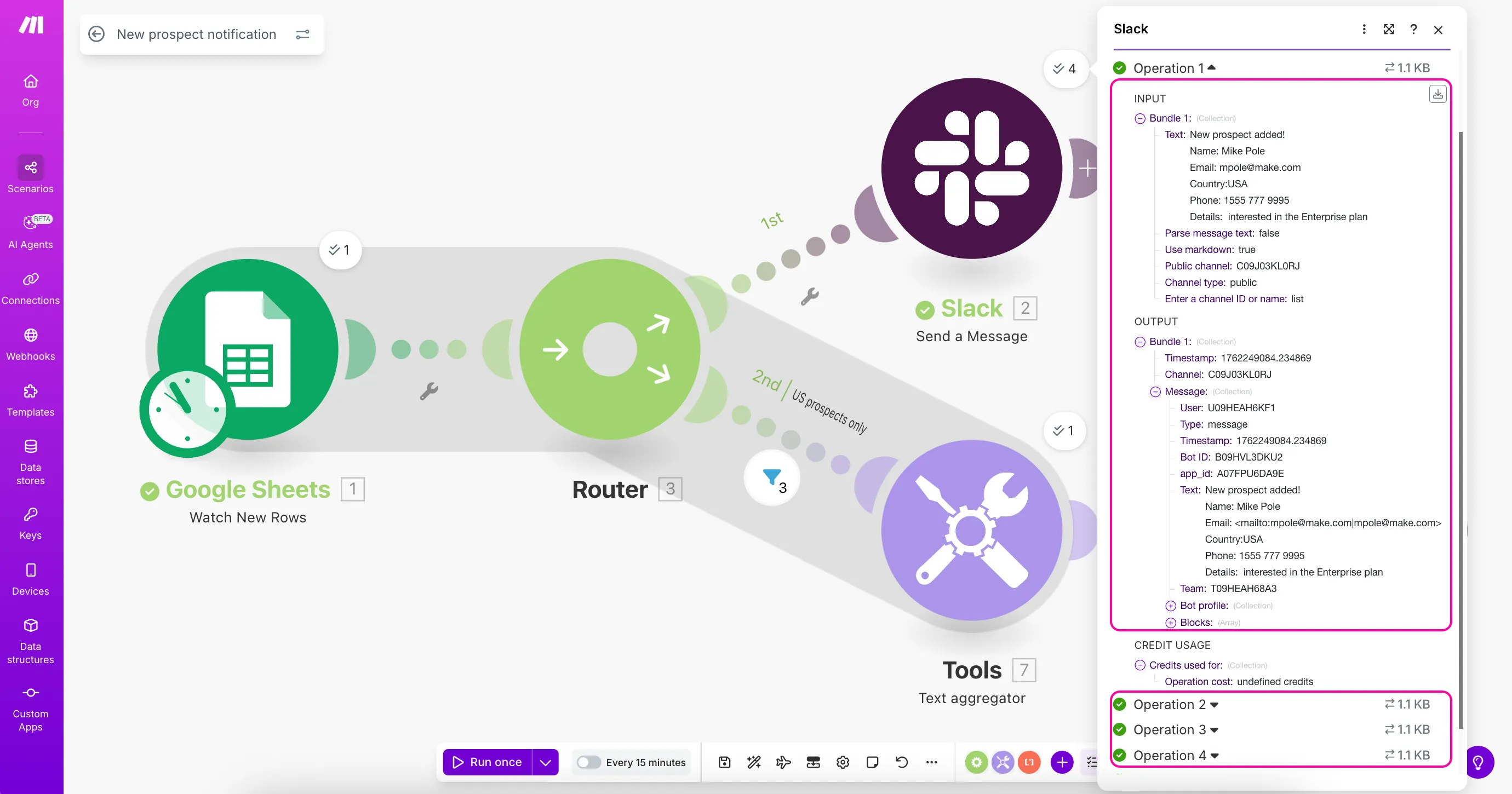
The Slack > Send a Message module should receive and process all prospects:
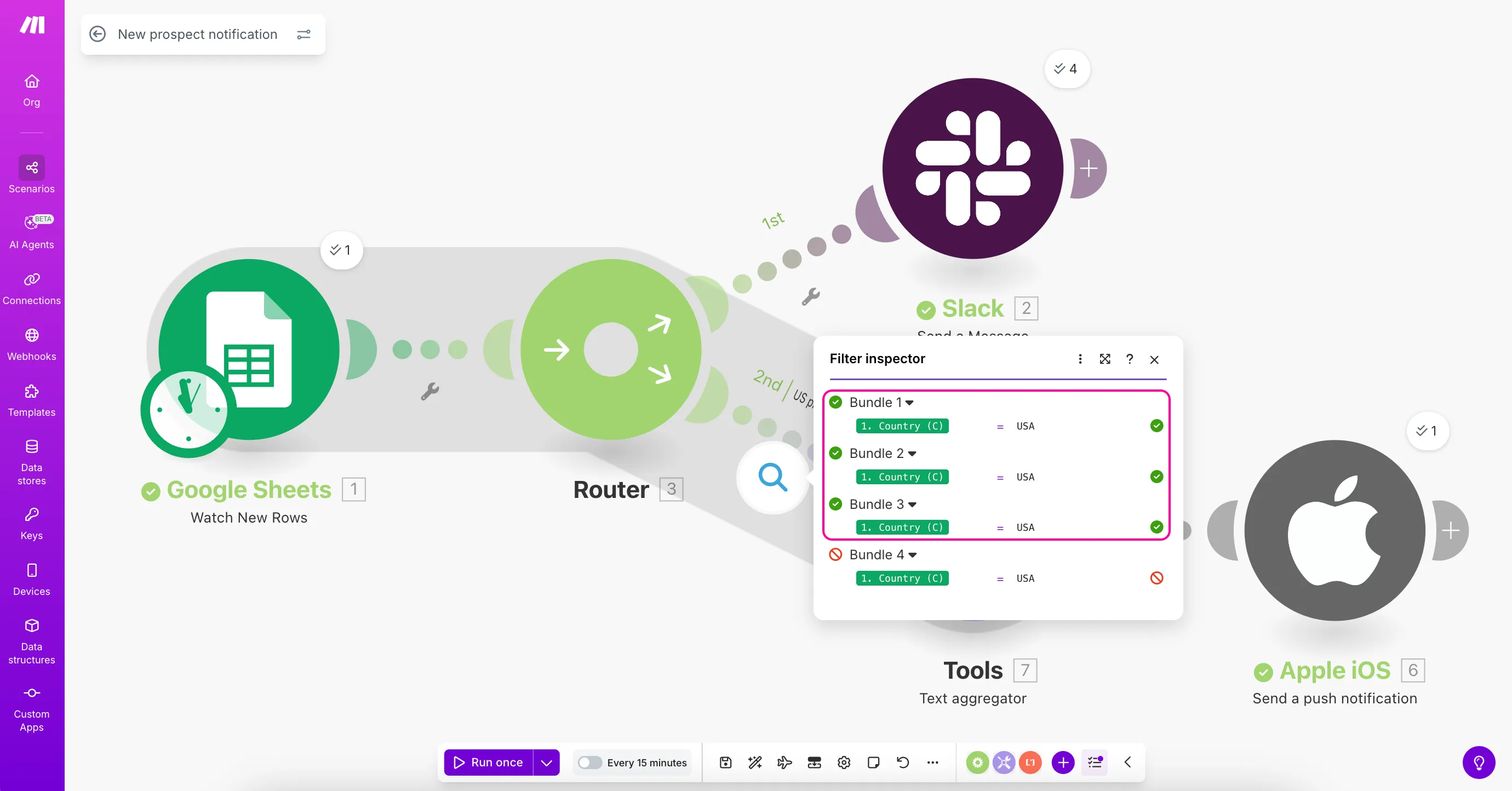
The filter should only let the USA prospects through:
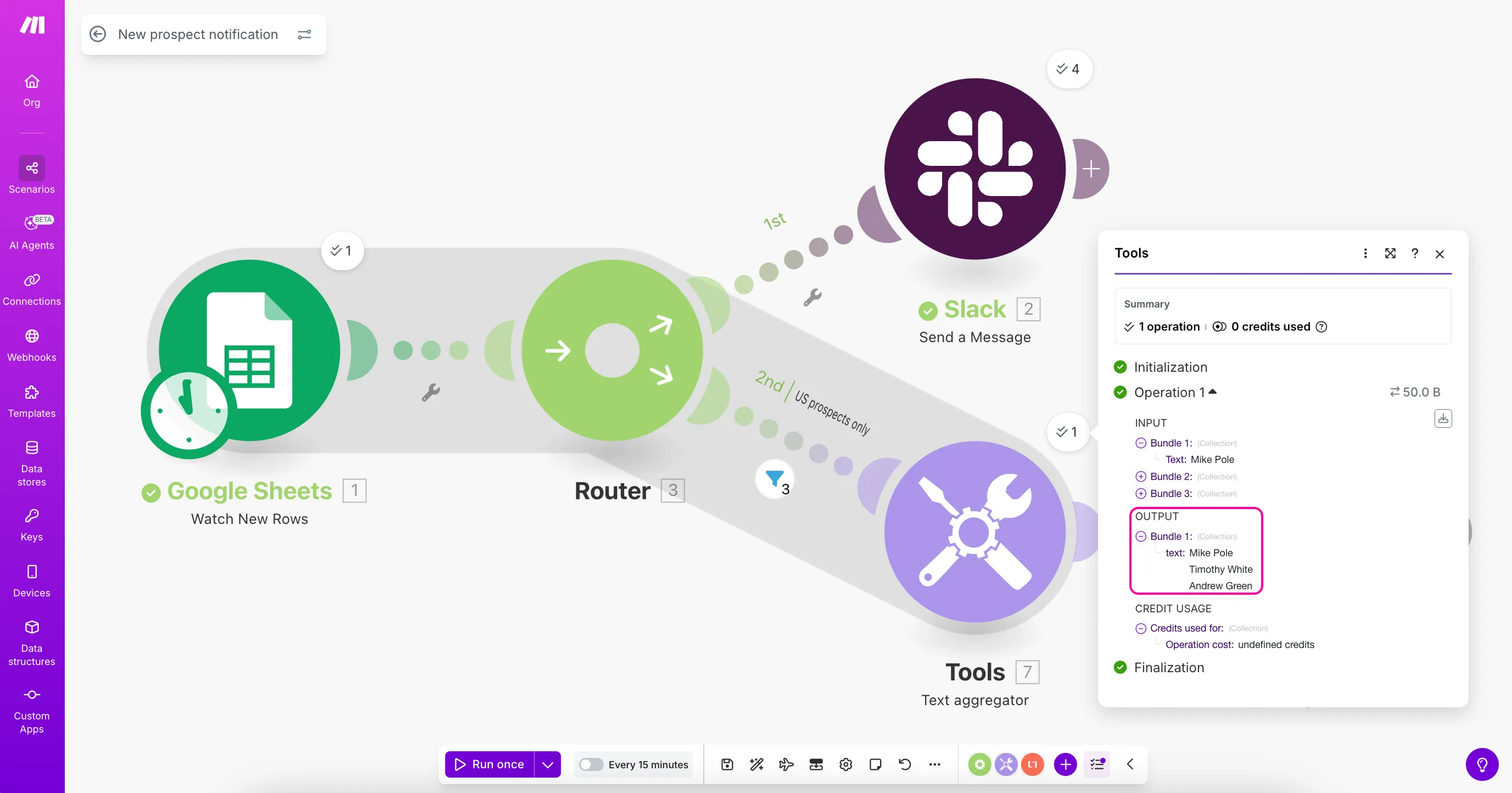
The Text aggregator should combine the USA prospects into a single bundle:
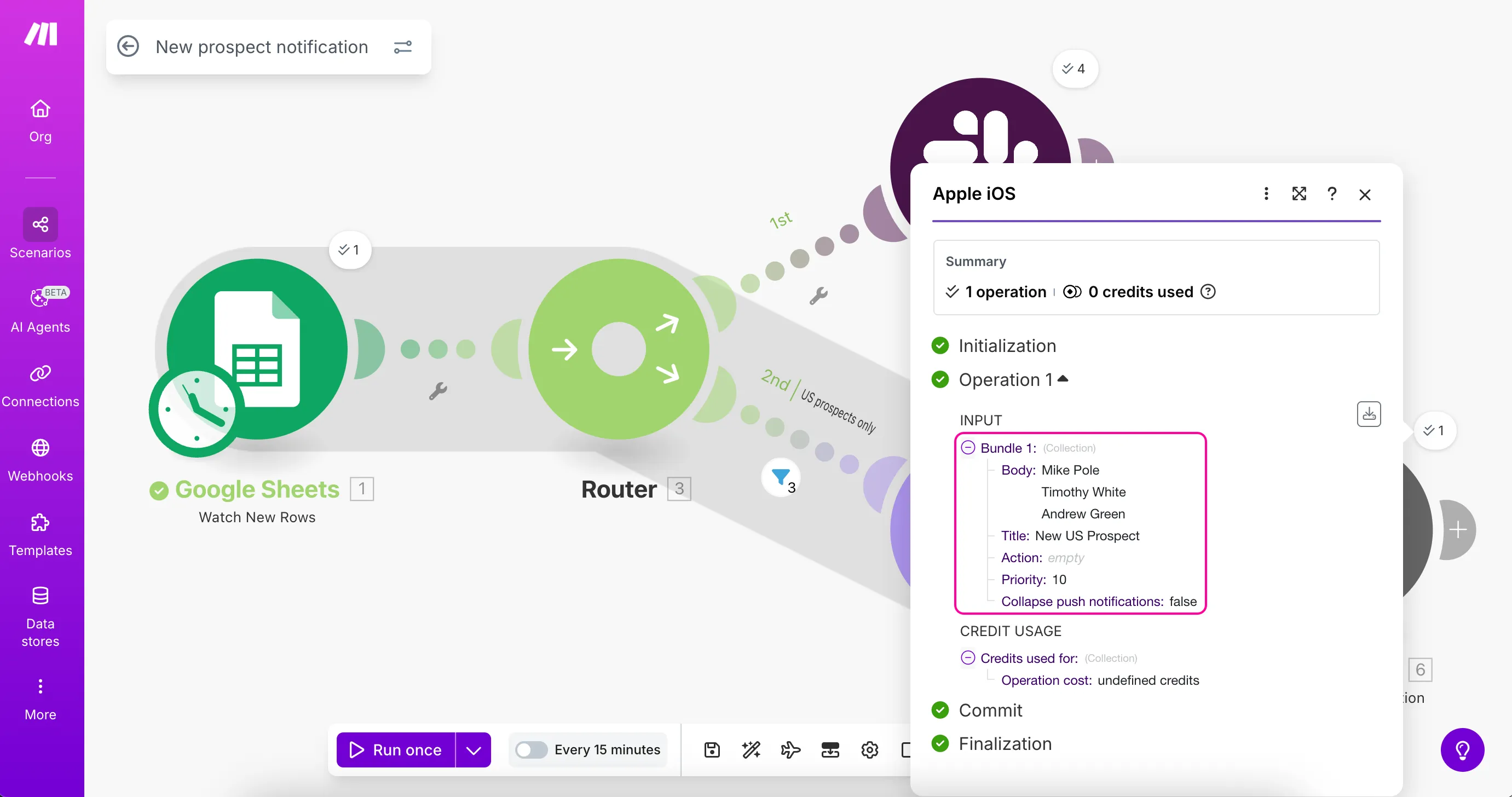
The Apple iOS > Send a push notification module should only process this single aggregated bundle:
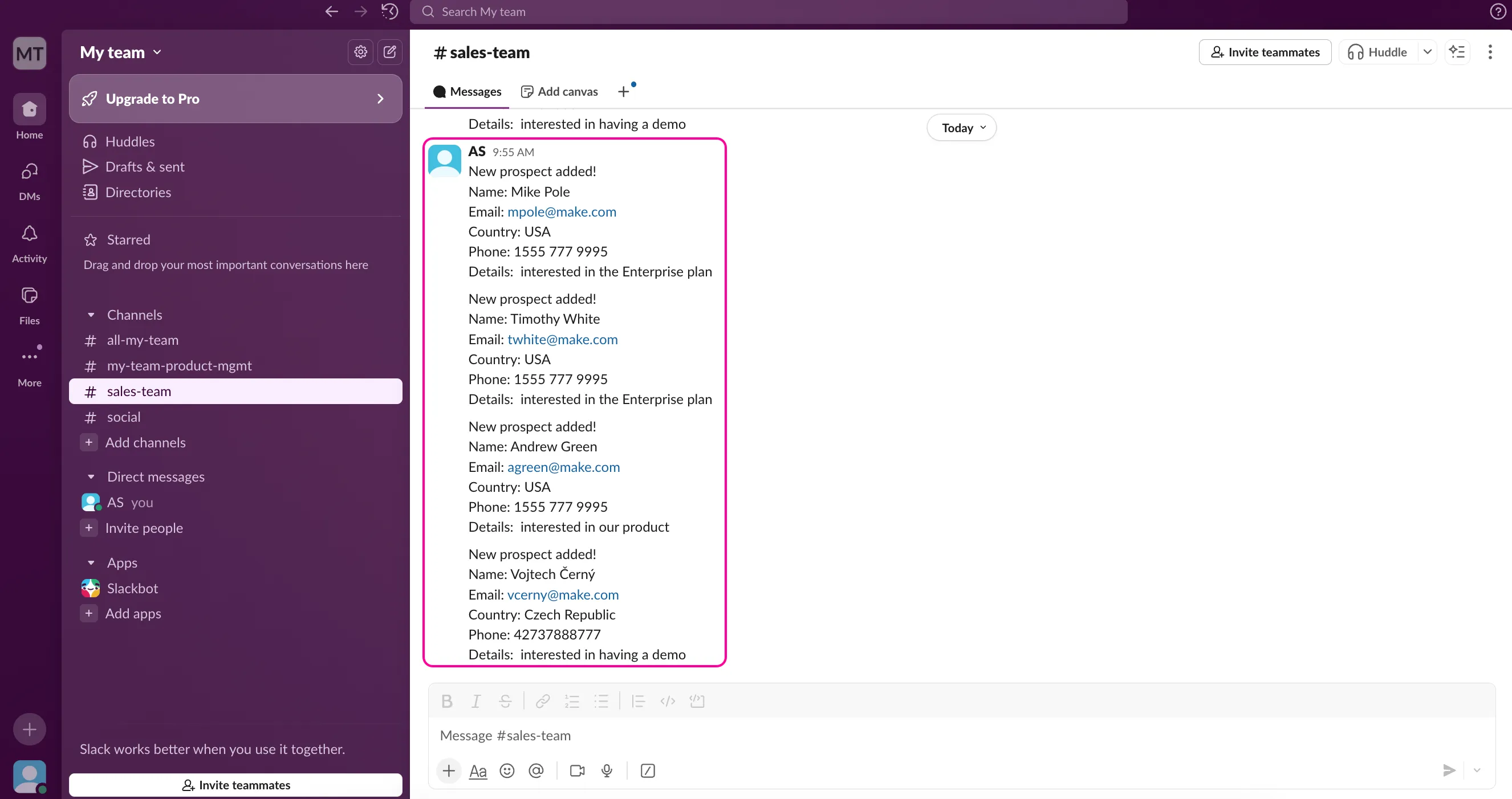
Check your Slack channel to confirm all notifications arrived.
Check your mobile device to confirm you received only one notification that contains all the US prospects.

You've now created a scenario that:
- Monitors your Google Sheets document for new prospects
- Sends all prospects to a Slack channel
- Sends only US-based prospects to the Sales Manager's mobile device
- Combines multiple US prospects into a single mobile notification
What's next?
Now that you've learned how to use routers to create multiple paths, filters to process data conditionally, and aggregators to combine related information, you can continue expanding your scenario by:
- Adding more filters for other countries or criteria
- Integrating additional apps like email or CRM systems
- Exploring other aggregator types for different data formats
- Learning about error handlers to make your scenarios more robust
To advance your Make knowledge, explore our free online courses at Make Academy.