Undo and redo scenario changes
Use Undo and Redo in the Scenario toolbar to reverse or reapply changes to scenarios, such as adding, moving, linking, or configuring modules. These help you avoid manual reconfiguration when testing iterations or correcting mistakes.
Undo and redo changes
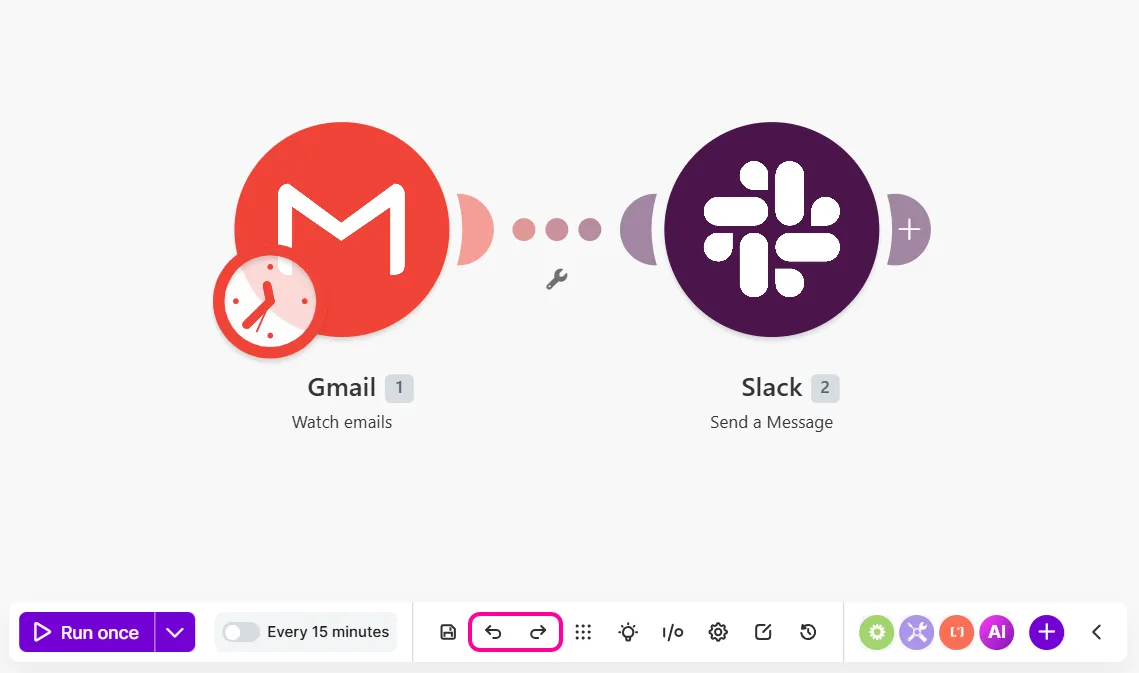
Undo or redo changes with the Undo and Redo buttons on the Scenario toolbar or keyboard shortcuts.
Use the Scenario toolbar
In the Scenario Builder, click Undo or Redo on the Scenario toolbar.
Use keyboard shortcuts
Use these keyboard shortcuts to undo and redo changes.
Shortcut | Action |
|---|---|
Windows: Ctrl+Z Mac: ⌘+Z | Undo a change to a scenario |
Windows: Ctrl+Y Mac: ⌘+Y | Redo a change to a scenario |
Types of changes covered
The table below outlines which changes you can undo and redo.
Covered | Not covered |
|---|---|
Module additions or deletions | Scenario inputs and outputs |
Module linking or unliking | Scenario settings |
Module position on the canvas | |
Field mappings | |
Field text | |
Schedule settings | |
Filters | |