Change your subscription
You can change your subscription in the Subscription tab of your organization.
When you upgrade or downgrade, Make bills your payment method, and the new billing cycle runs. These terms don't apply when downgrading to the Free plan.
Upgrade your subscription
You can upgrade across plans and tiers. Plans differ in the features available, and tiers differ in the number of credits.
An upgrade is any of the following changes:
- To a higher plan, regardless of the tier (for example, changing from the highest tier in Core to the lowest tier in Teams)
- To a higher tier in the same plan (for example, from 10,000 credits per month in Pro to 150,000 credits per month in Pro)
- To an annual subscription at an equal or higher tier (for example, from 10,000 credits per month in Pro to 120,000 credits per year in Pro)
To upgrade your subscription:
Go to Org in the left sidebar, then to the Subscription tab. Your plan is marked and highlighted with a purple border.

Use the toggle to choose a monthly or annual subscription.
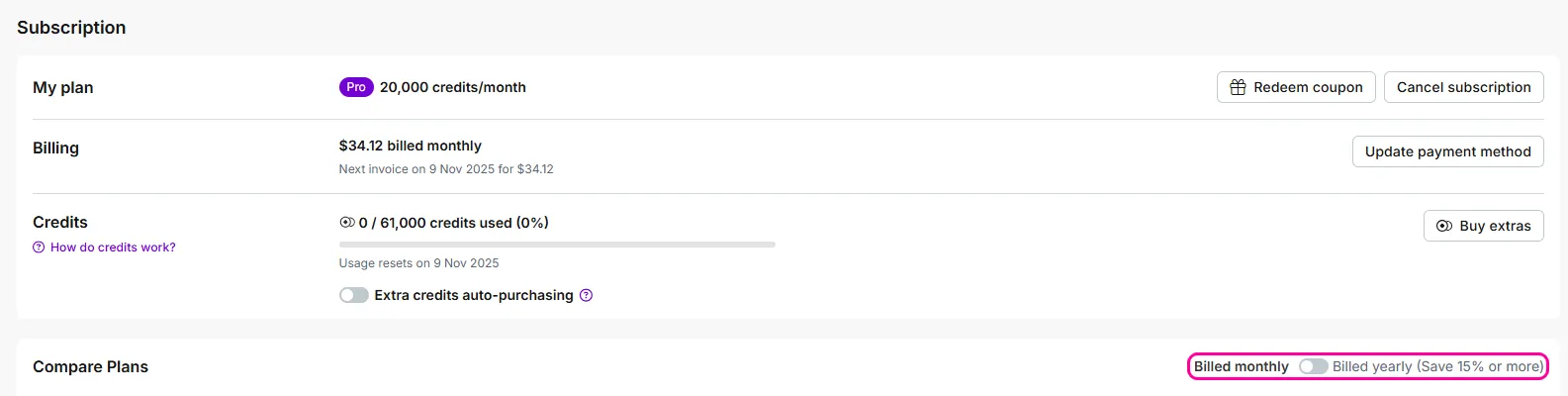
In your plan, click the arrow to open a dropdown menu with different credit tiers. Choose the number of credits you want to obtain with your new plan.

Click Buy plan for your selected plan and tier. If you're billed yearly, click Buy yearly plan.

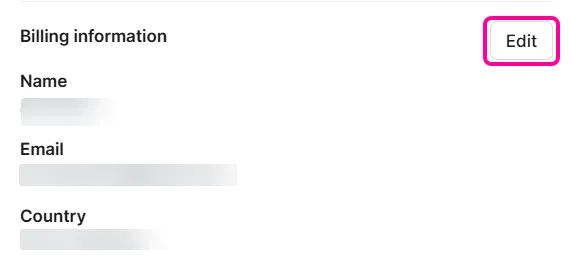
Review your billing information. If necessary, make changes using the Edit button.
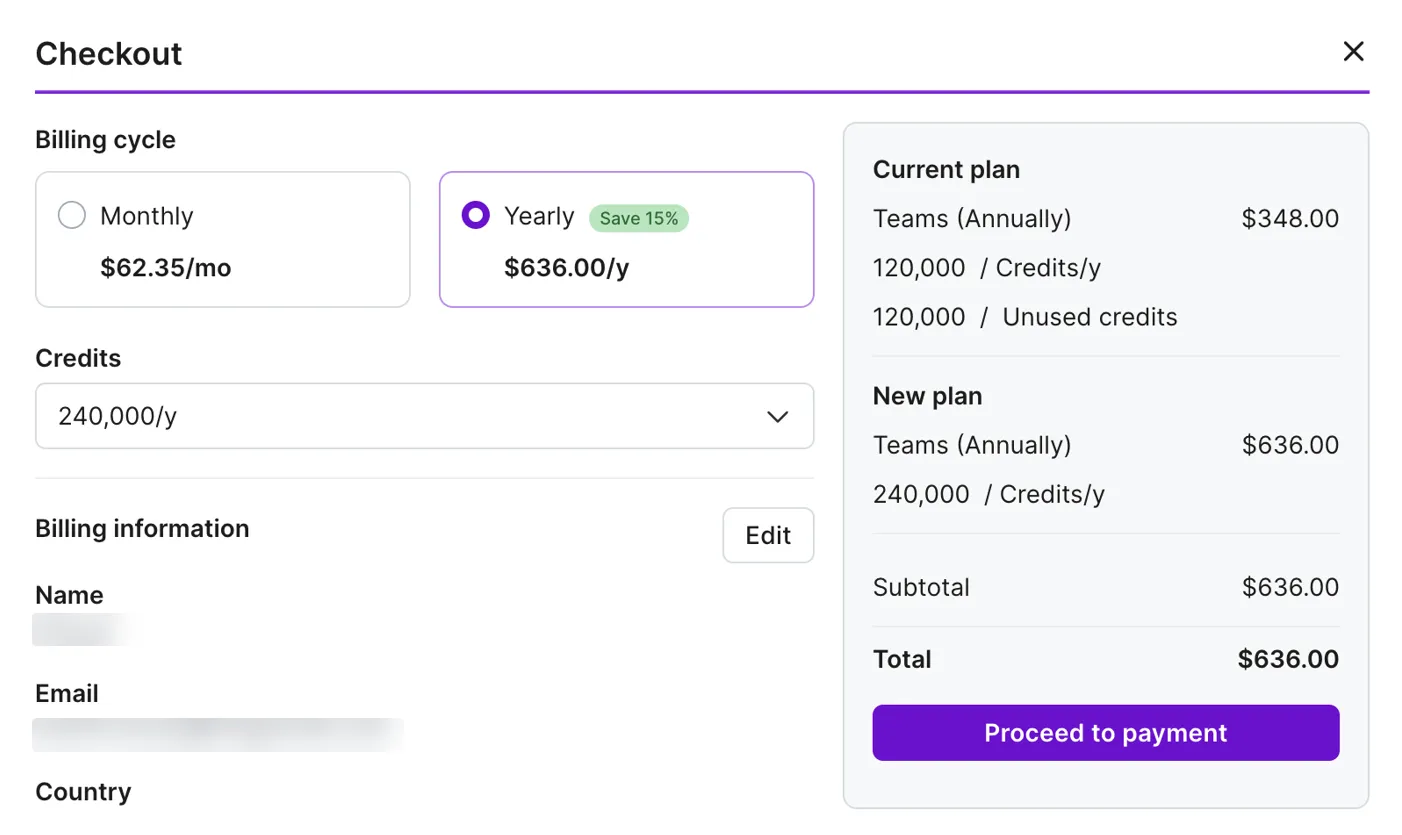
Click Proceed to payment.
Click Select payment method.
Follow the on-screen instructions from Stripe checkout.
Review your payment information and click Pay and subscribe.
Discounts
When you upgrade, Make converts your unused credits, including purchased extra credits, into a discount in dollars. Make deducts this discount immediately from your payment for the upgraded subscription. The discount is visible in the checkout page calculation.
Make calculates the discount in two steps:
- The price per credit is calculated by dividing your current plan's price by its number of credits per month.
- The discount is calculated by multiplying the price per credit by your number of unused credits.
A discount can't exceed the total amount of your bill.
Example
You're upgrading from Core to Pro, with 160,000 unused credits:
- The Core plan costs $113.85 for 150,000 credits per month. $113.85 ÷ 150,000 = $0.000759 per credit.
- $0.000759 × 160,000 unused credits = $121.44. This is the discount deducted on the checkout page.
Downgrade your subscription
You can downgrade between plans and between tiers. Plans differ in features, and tiers refer to the number of credits.
A downgrade is any of the following changes:
- From a higher plan to a lower plan, regardless of the tier (for example, from the lowest tier in Teams to the highest tier in Core)
- To a lower tier within the same plan (for example, from 150,000 credits in Pro to 10,000 credits in Pro)
- From an annual to a monthly subscription and lower tier (for example, from 240,000 credits per year in Pro to 20,000 credits per month in Pro)
To downgrade your subscription:
Go to Org in the left sidebar, then to the Subscription tab.
In Compare Plans, select your new plan and tier.
For example, your current plan is Teams, with 150,000 credits per month. You can downgrade to any tier in Core or Pro, or select fewer credits in the Teams plan.
In your new plan and tier, click Buy plan.
In the dialog, select your reason for downgrading and click Continue.
Review your billing information. If necessary, make changes using the Edit billing details button.
Click Select payment method.
Select a payment method from the dropdown menu and click Proceed to payment.
On the Stripe checkout screen, review your details and click Pay and subscribe.
A notification will appear confirming that your plan has been successfully changed. Your new plan is highlighted in purple on the Subscription page.
Transfer of unused credits
When you downgrade, Make transfers your unused credits to the downgraded plan. You can use the transferred credits in this plan for the length of your new billing cycle:
- 30 days for a monthly plan
- 365 days for an annual plan
Example
You decide to downgrade to the Pro plan and have 10,000 credits left. In the Pro plan, you select the tier with 40,000 credits per month, so in the first month of the downgrade, you have 50,000 credits available.
For a Core plan with an annual subscription, credits reset every month, and your extra credits expire with the monthly reset.