Hash functions
Hash functions take variable-length inputs and produce fixed-length outputs of text that can't be reversed or decoded. The resulting output can only be compared. Hashing is used for integrity verification.
For example, a typical business use of hash functions is for the secure storage of user passwords.
When a user sets or changes a password, the system does not store the original password. Instead, it stores a hash value and a salt in the database.
First, a unique string (salt), is added to the user's password. Salting the password ensures that, even if two users have the same password, the password hash values will be different.
Next, the salt and password are hashed and the password hash value and unique salt are stored in the database. The original password is not saved.
When the user attempts to log in, the system retrieves the stored salt and password hash, calculates a new hash, and compares the new hash to the stored password hash. This method protects users if the database is breached.
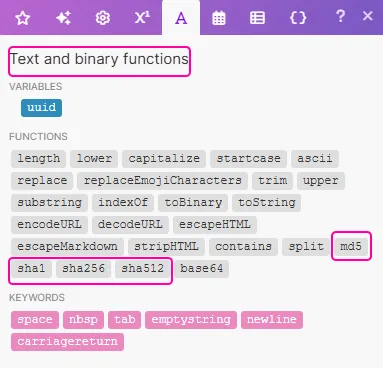
The following hash functions can be used in Make:
Function | Description |
|---|---|
sha1 | The sha1 function has an output size of 160 bits. Though faster than the sha256 and sha512 functions, it is not as secure. It is generally not recommended for use. |
sha256 | The sha256 function has an output size of 256 bits. It is secure to use for data integrity and performs quickly on 32-bit systems. SHA-256 is a widely accepted standard that is used often. |
sha512 | The sha512 function has an output size of 512 bits. SHA-512 is used for the highest level of security or when 64-bit is required. |
md5 | The md5 function has an output size of 128 bits. It's most commonly used to validate that a file has been downloaded correctly without any missing or corrupted data. It is not recommended for use otherwise. |
You can find hash functions under the Text and binary functions tab:
In this example we will:
- Select content to hash.
- Set variables with a variety of sha functions.
- Compare hash values.
Step 1: Select content to hash
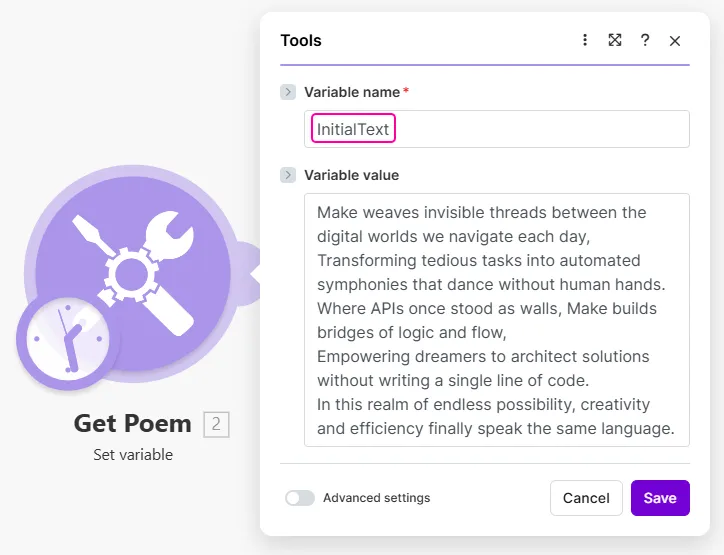
In this example, we set a variable InitialText with our content to be hashed.
In your scenario, you may have the content set another way or pulled from a different source.
Step 2: Set variables with a variety of sha functions
The most common hash functions are sha256 and sha512.
Here we set three variables with the Set multiple variables module using the original content InitialText:
- hash-sha256,
- hash-sha512, and
- hash-sha512++, a hash with a salt added.
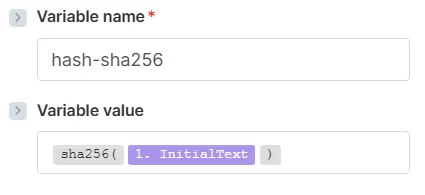
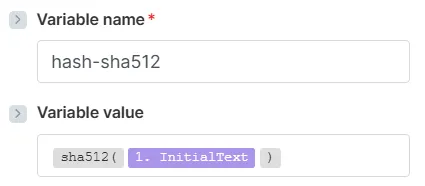
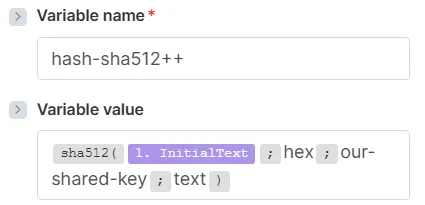
Sha functions allow you to add extra parameters, and in the case of hash-sha512++, we set the value to hexadecimal and added more information as a salt for additional security.
The output of these variables are hash values of the original content InitialText.
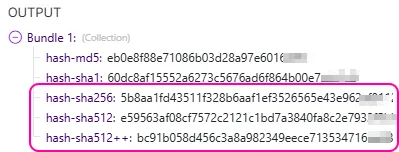
Step 3: Compare hash values
A hash is often stored and then compared later with a new hash. For example, if you set a password for an account, the hash is stored. Then, when you log in again, the hash of your new input (your password) is compared to the stored hash. If the hash values match, you are logged in to your account. If the hash values differ, you are denied access.
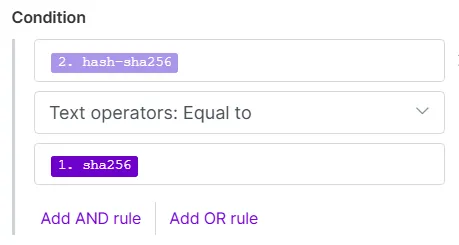
Here, the new input is received, set as variables and hashed, and the new hash values are compared in the filters set after the router.
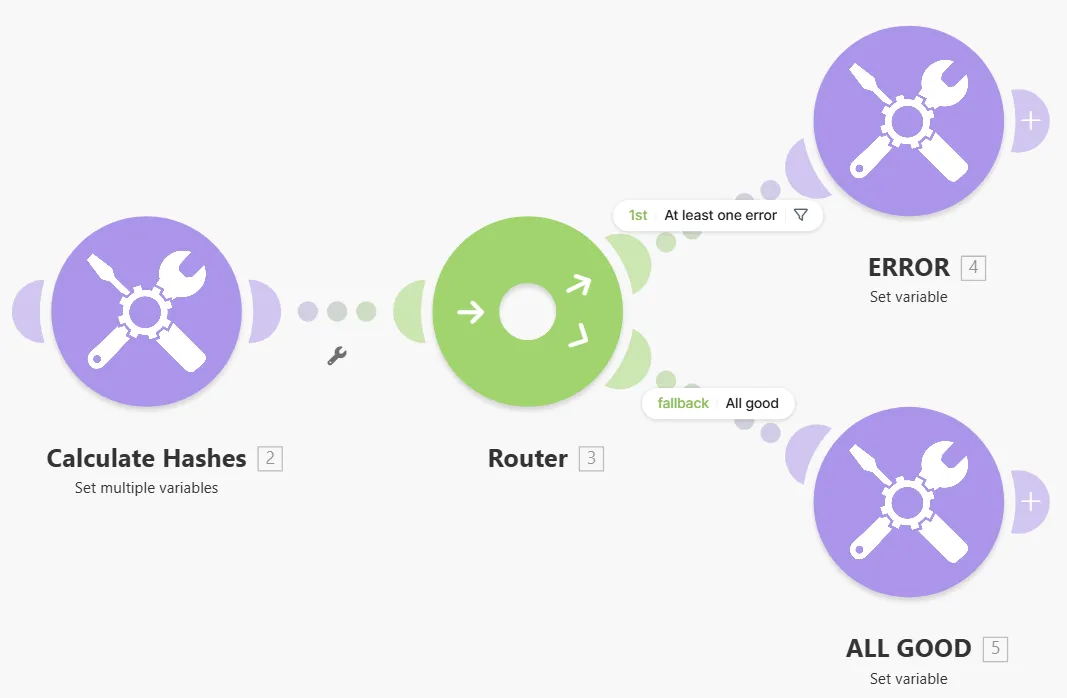
If the results do not match, the result is an error. In the password example described above, a user would not be allowed to log in.
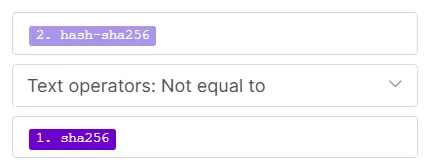
If the results match, there is no error. In the password example described above, a user would be allowed to log in.