Connect external providers
Make lets you connect external providers to your Grid to have a holistic view of your entire automation landscape. You can view the list of providers in the Manage providers dialog box.
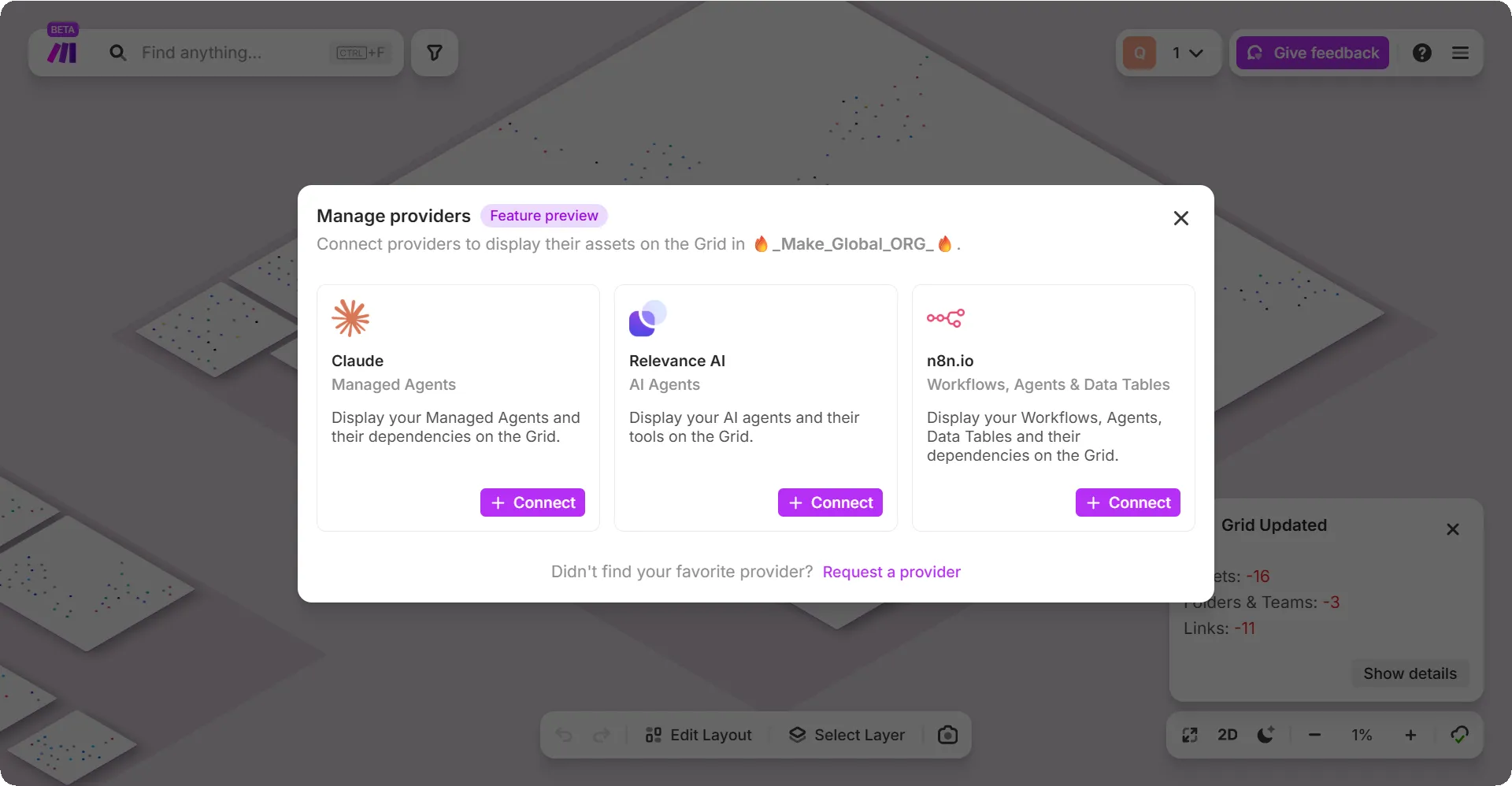
Create a connection to an external provider
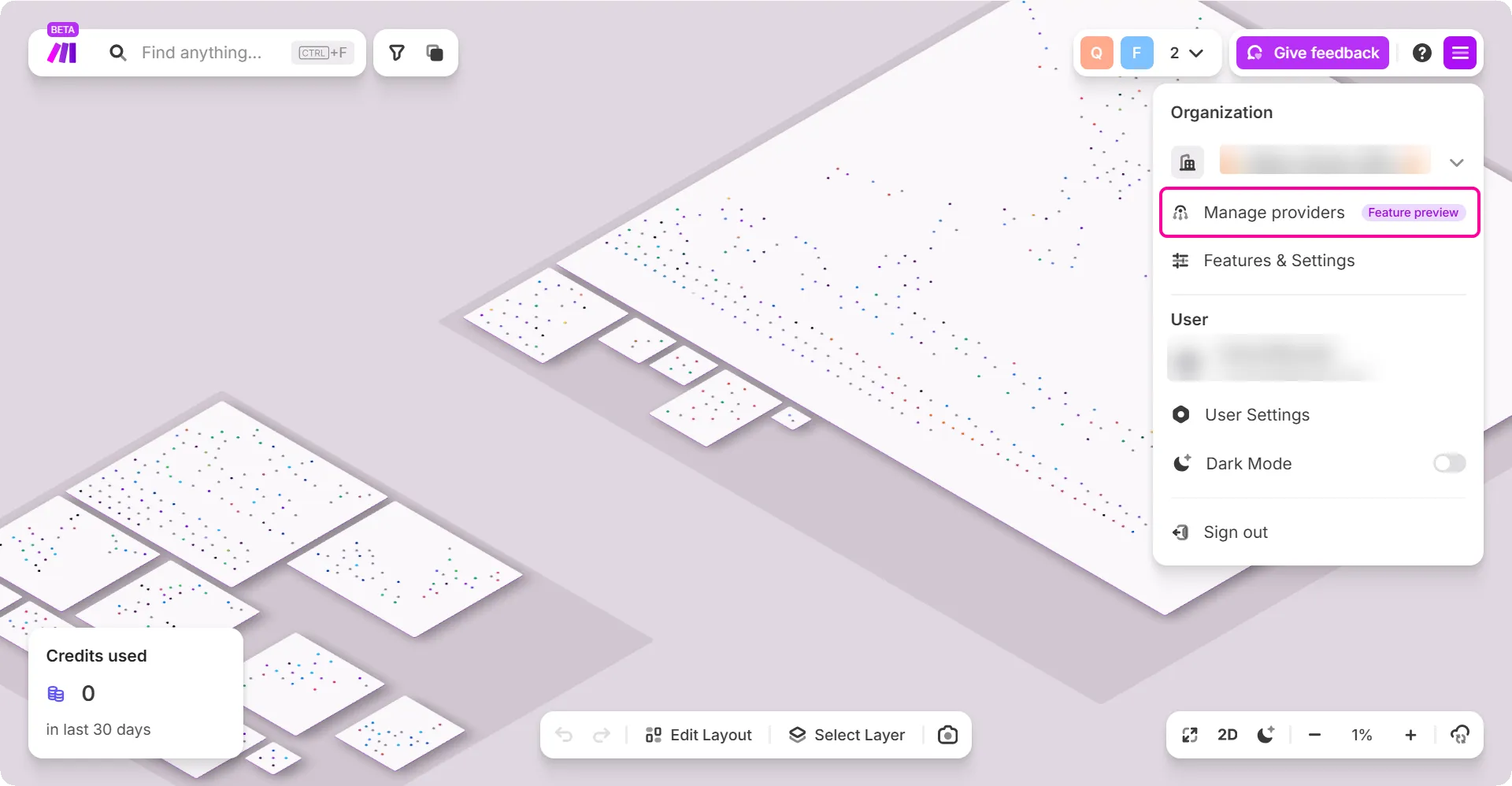
To connect your external provider to Make:
In the top-right menu, click Manage providers.
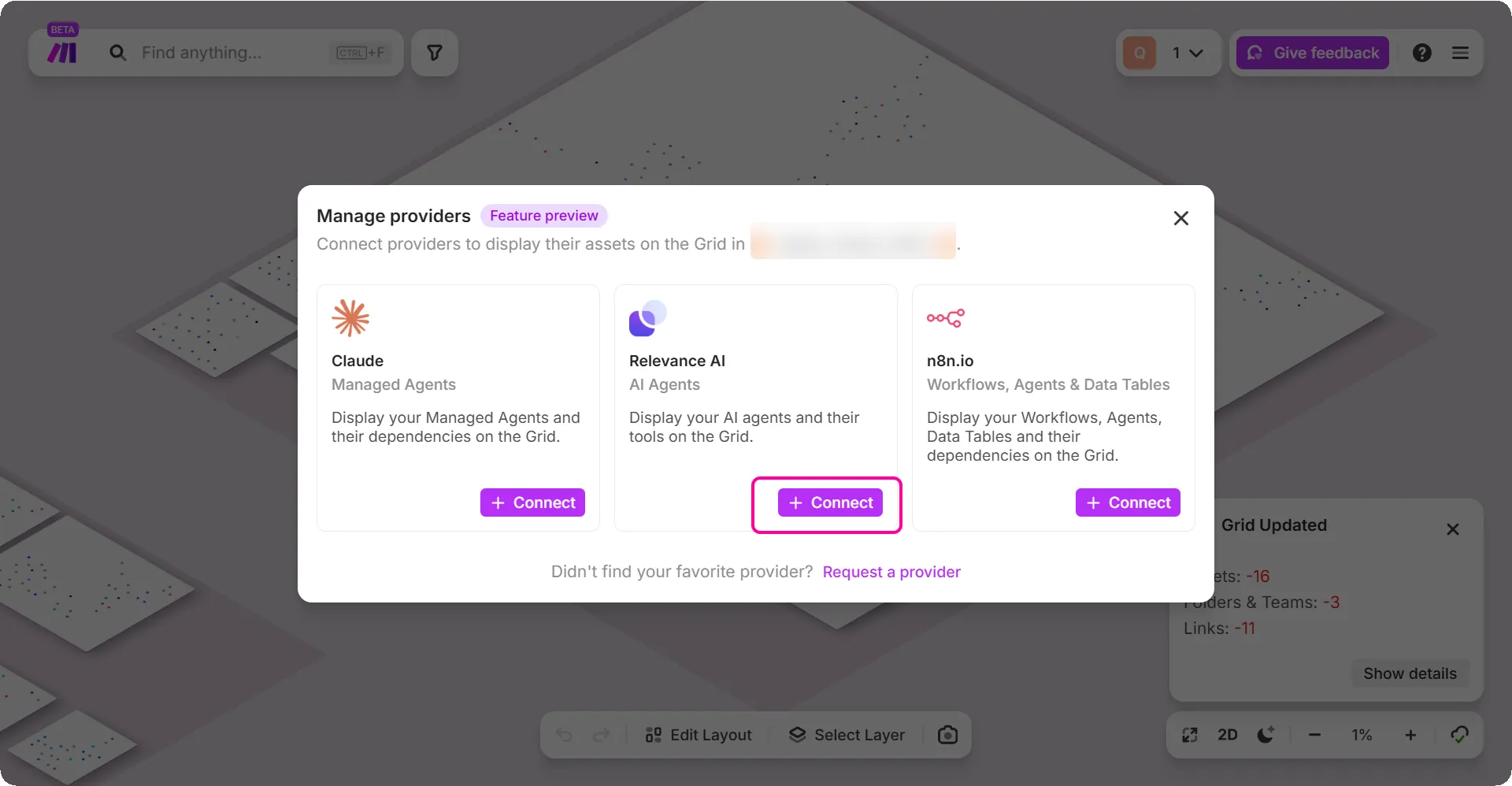
Click Connect on the connection you want to create - for example, Relevance AI.
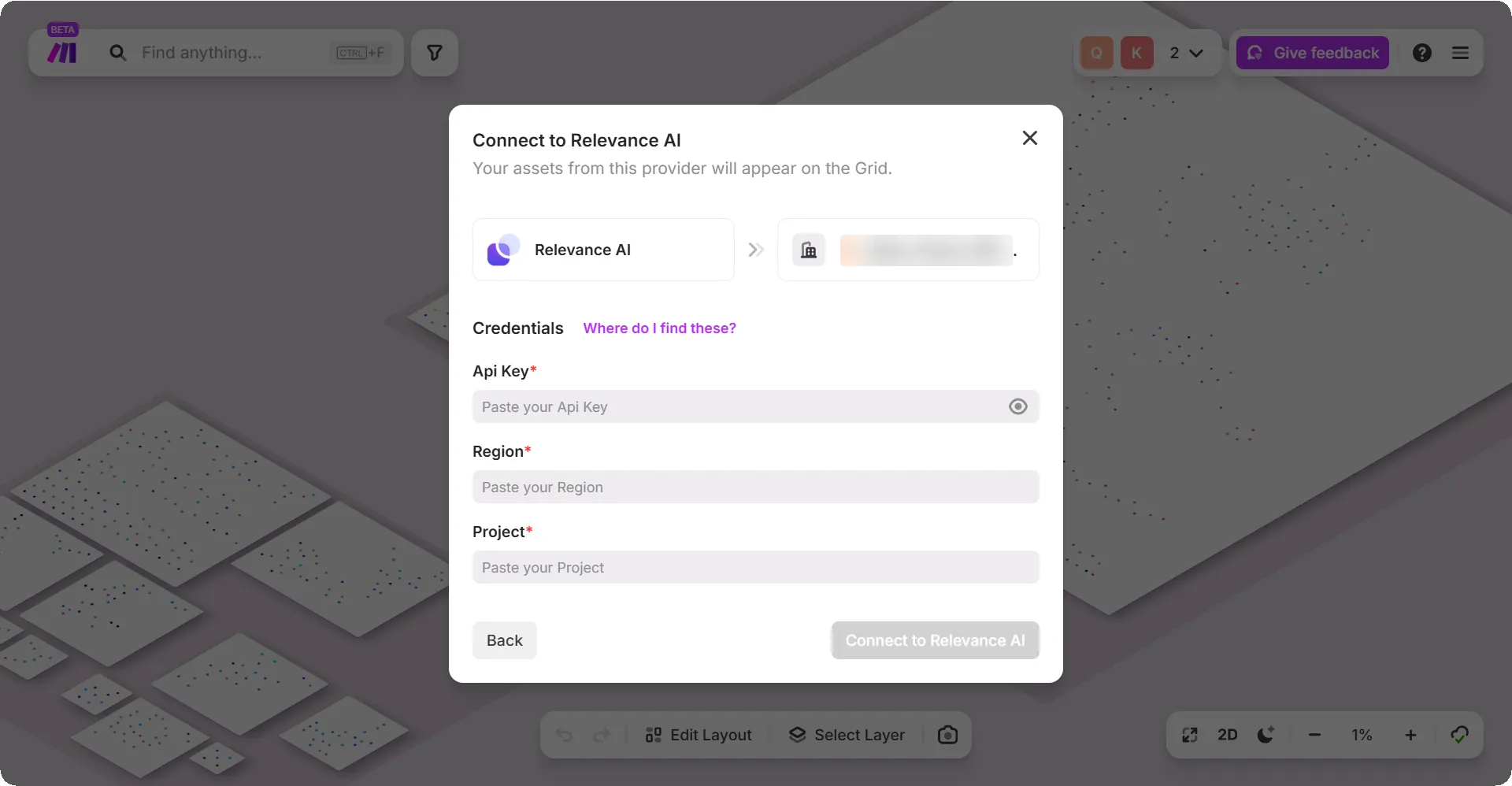
In the dialog box, fill in the attributes such as name, API Key, Region, Project.
This may vary depending upon the connection you select.
Click the Connect to Relevance AI button.
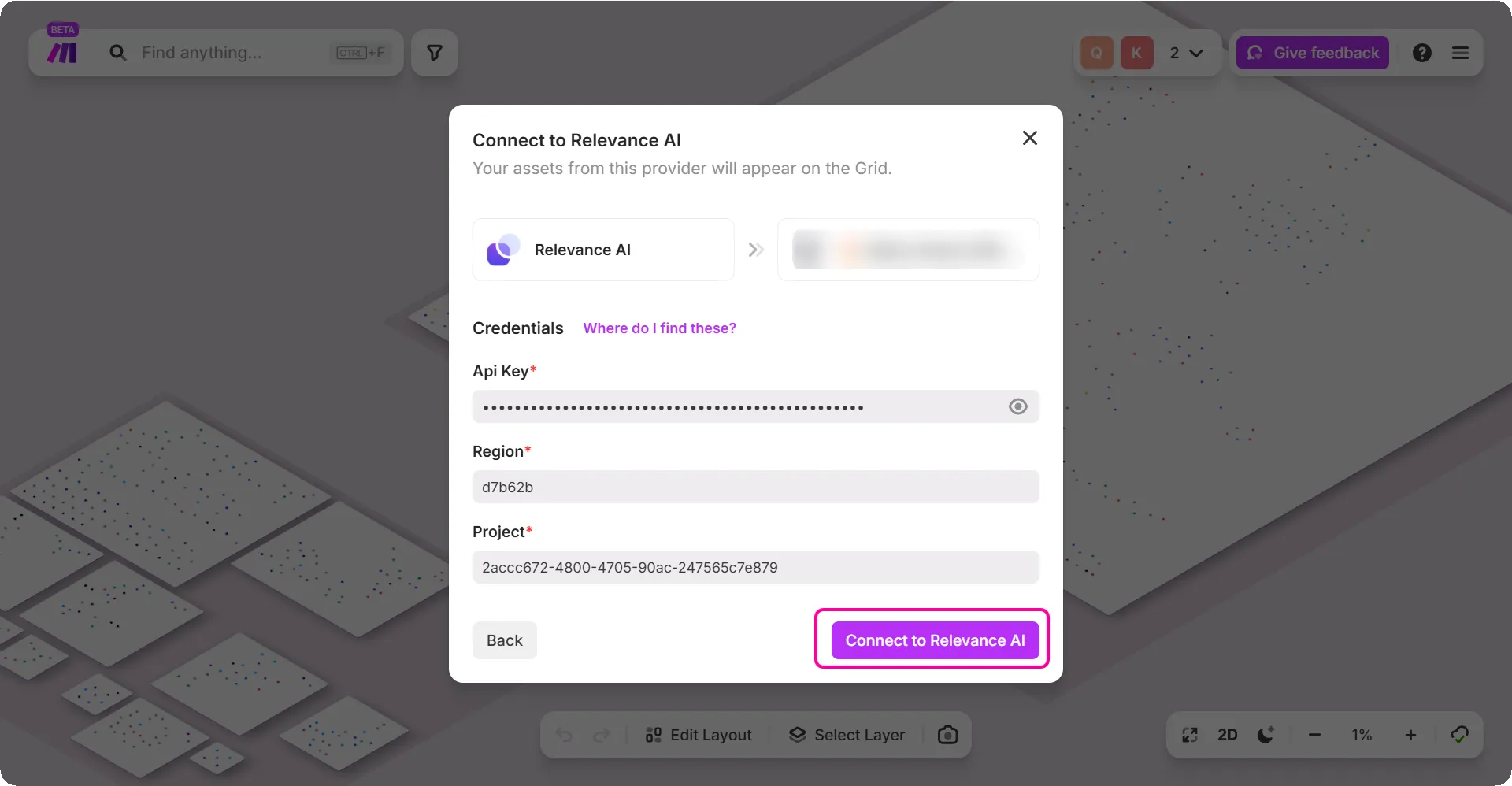
This button will vary depending upon the connection you select.
You are now connected to your provider.
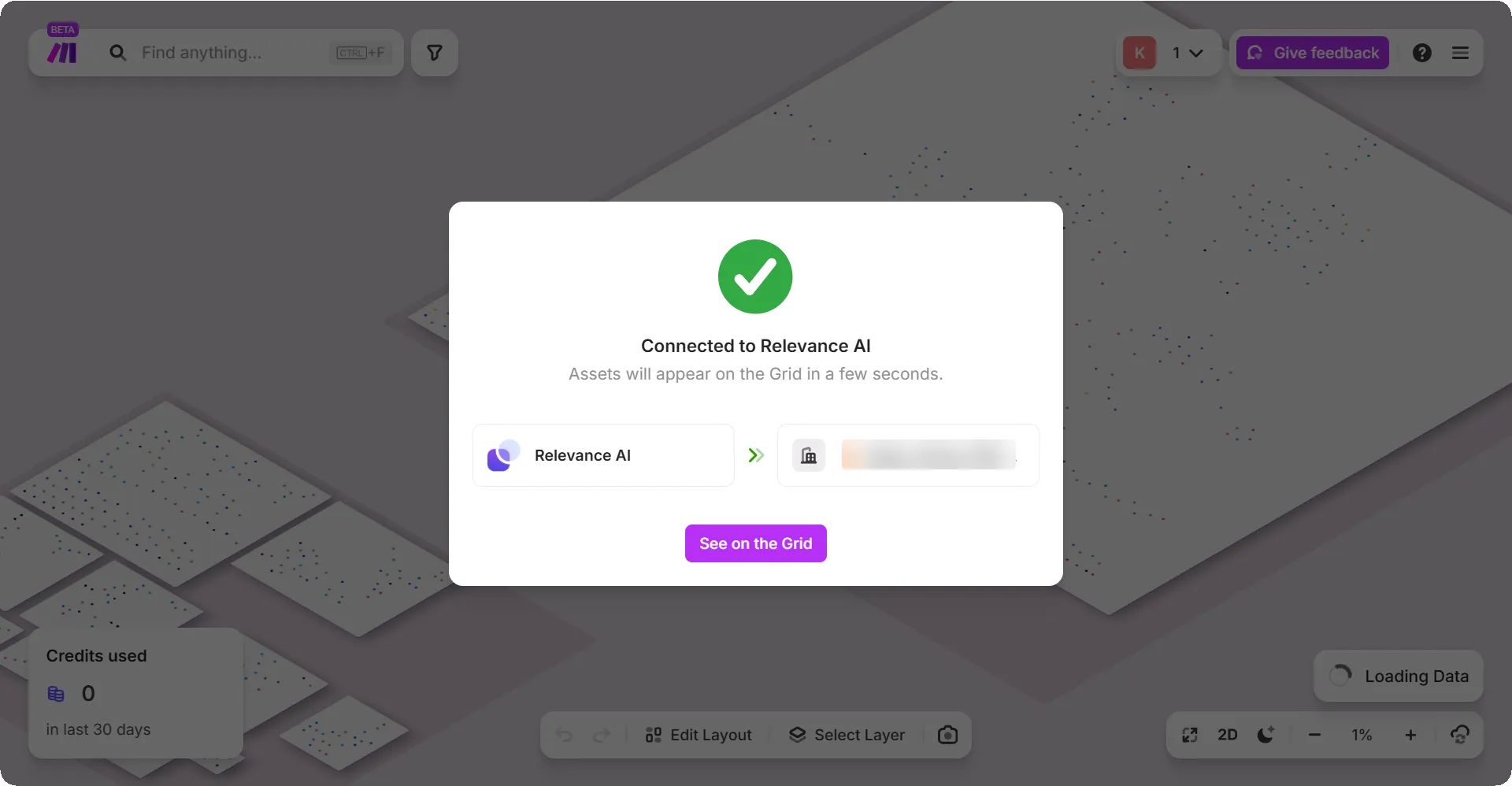
View the details of your connection
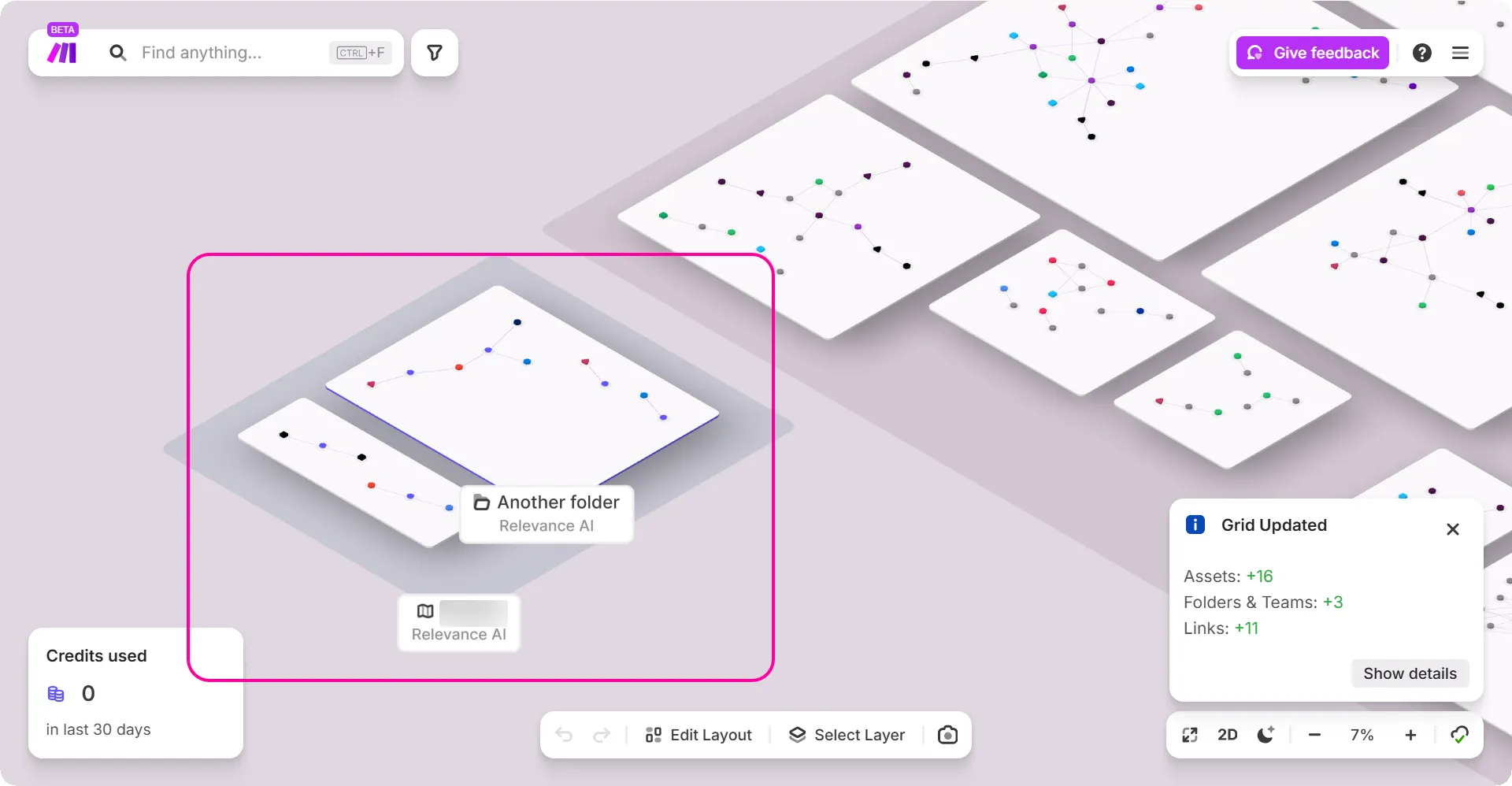
- Once connected, you can view your external provider's automations or AI Agents directly in Make.
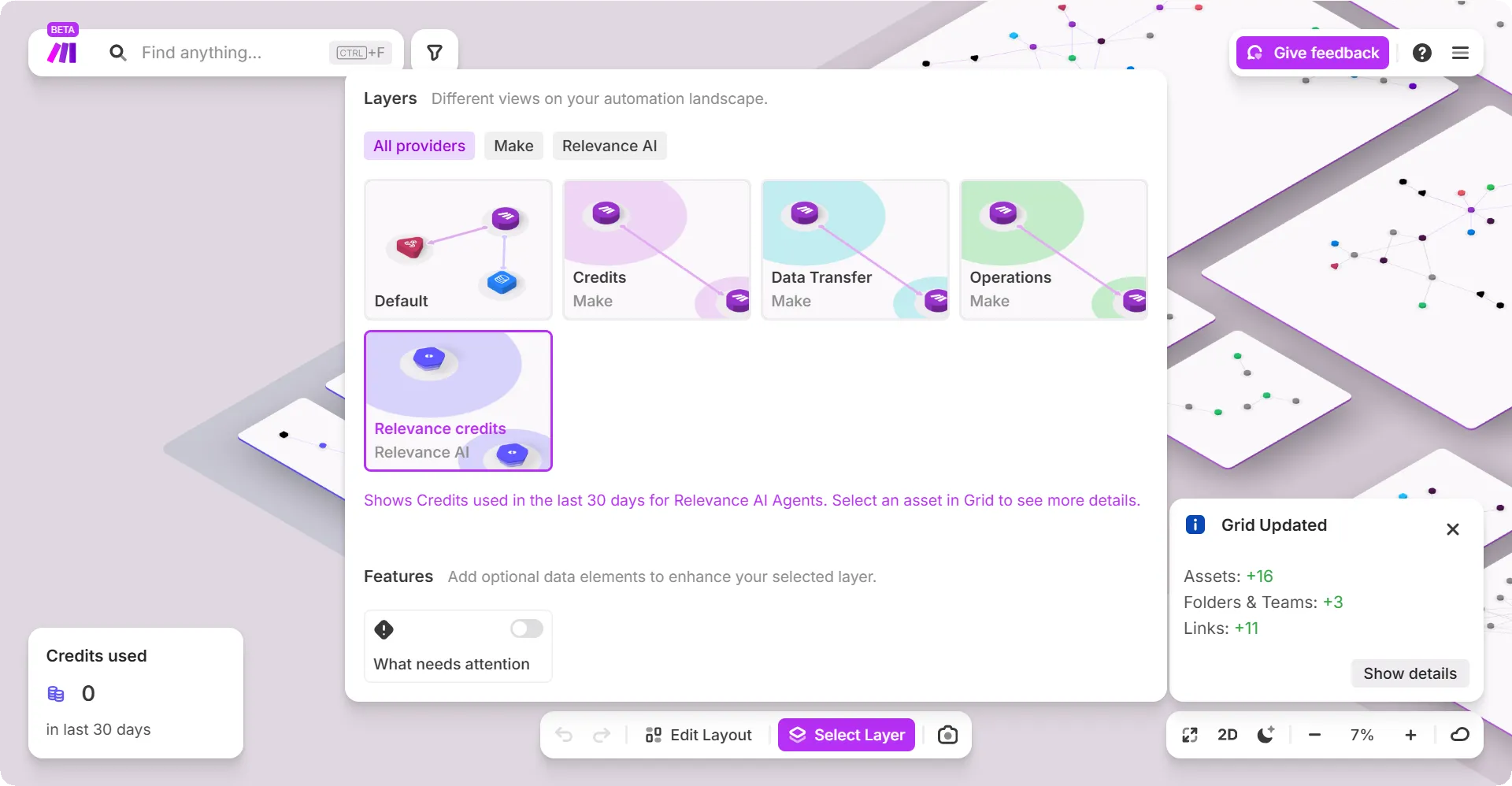
- Click Select Layer to view the additional layers associated with the external providers.
- You can view your list of connections in Manage providers. To request a new provider, use the Request a provider form.
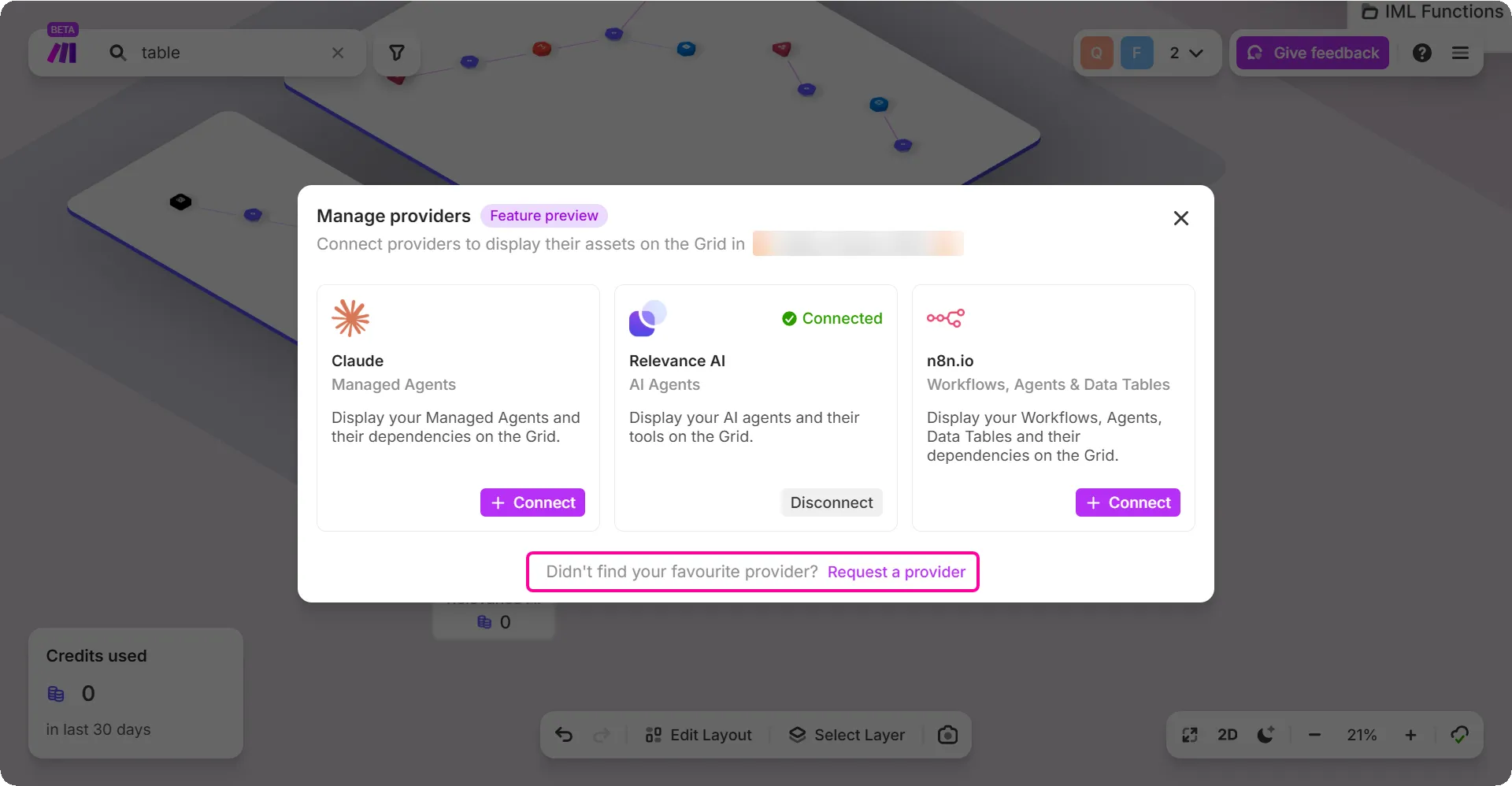
- You can add each external provider once per user.
- The external provider is connected to your Grid. If you connect your account to a space, other people in that space do not automatically get access.
- Other users must connect the same provider themselves using their own login credentials.
- If the saved connection stops working (expired token, changed password, revoked access), Make Grid asks you to reconnect/re-enter credentials.
- You can remove the connection from Manage providers and then reconnect it later.
Disconnect your provider
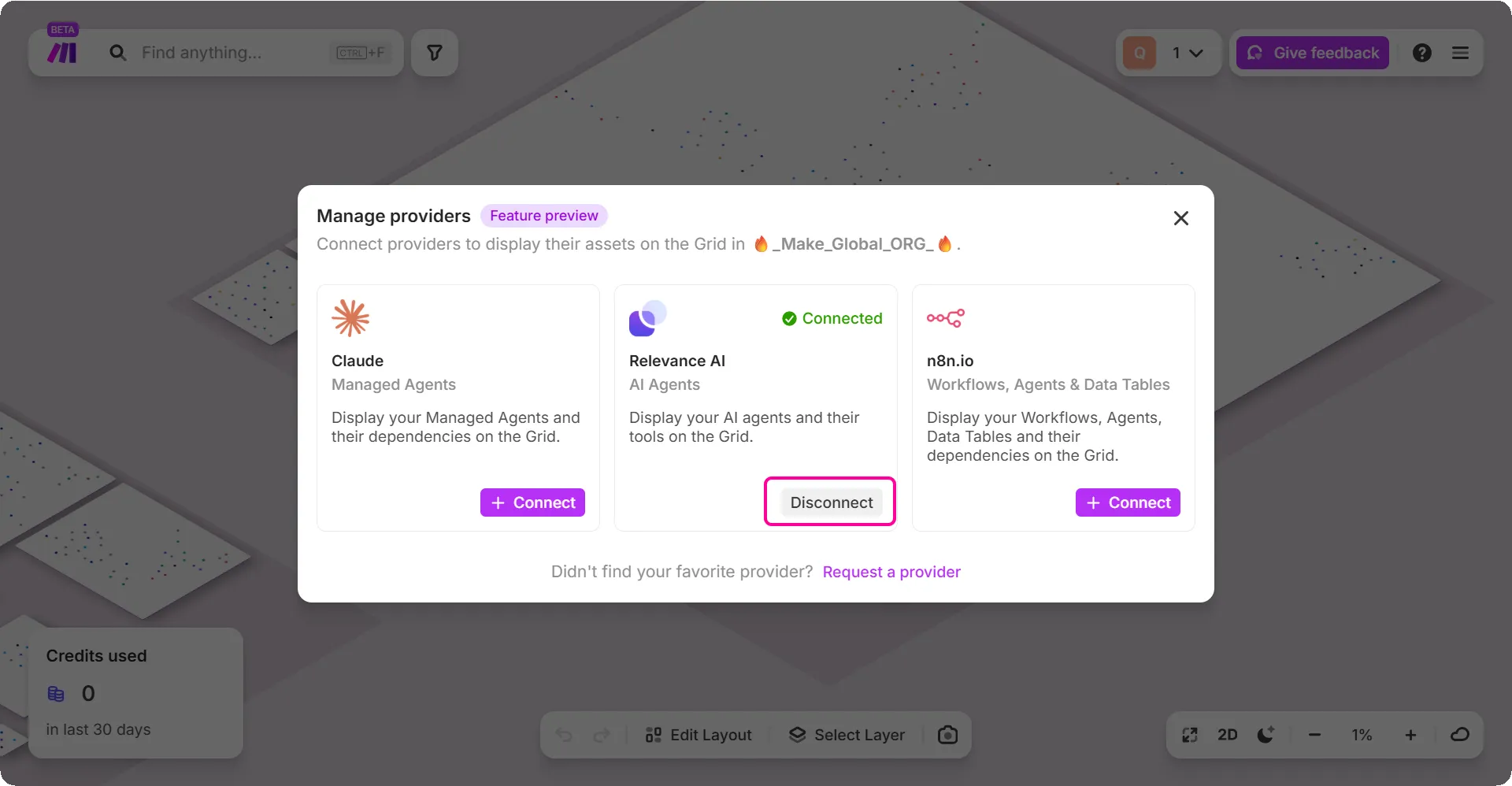
In the top-right menu, click Manage providers.
In the Manage providers dialog box, click Disconnect.
Type DISCONNECT, then click the disconnect button.
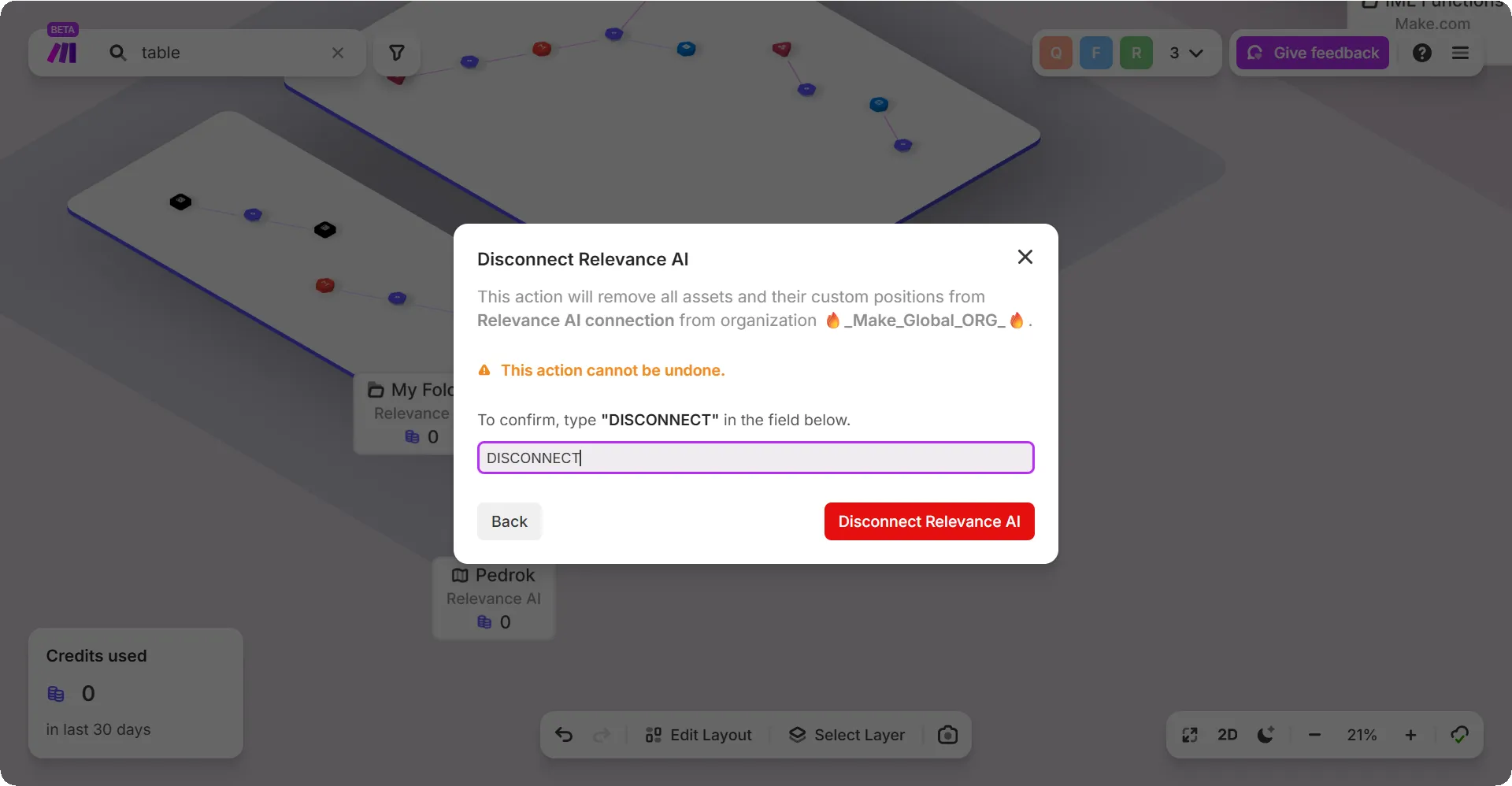
Your provider is now disconnected.