Make Grid workspace navigation and interaction updates
2 min
In this release, we introduce four core updates to Make Grid, giving you more control over your workspace. With this update, you can customize your layout, see your teammates in real time for better collaboration, view or edit objects from your grid, and navigate across your workspace with ease.
What's new
- Customizable layout — Rearrange assets, folders, and teams freely in your workspace. Click Edit Layout in the toolbar to enter edit mode, then drag items into position or use the yellow resize handles to adjust the size of folders and teams.
For more information, see Edit Layout.

- Live collaboration — See your active teammates in real-time via their cursors and the presence widget in the toolbar, making it easier to coordinate without switching tools.
For more information, see Presence widget.
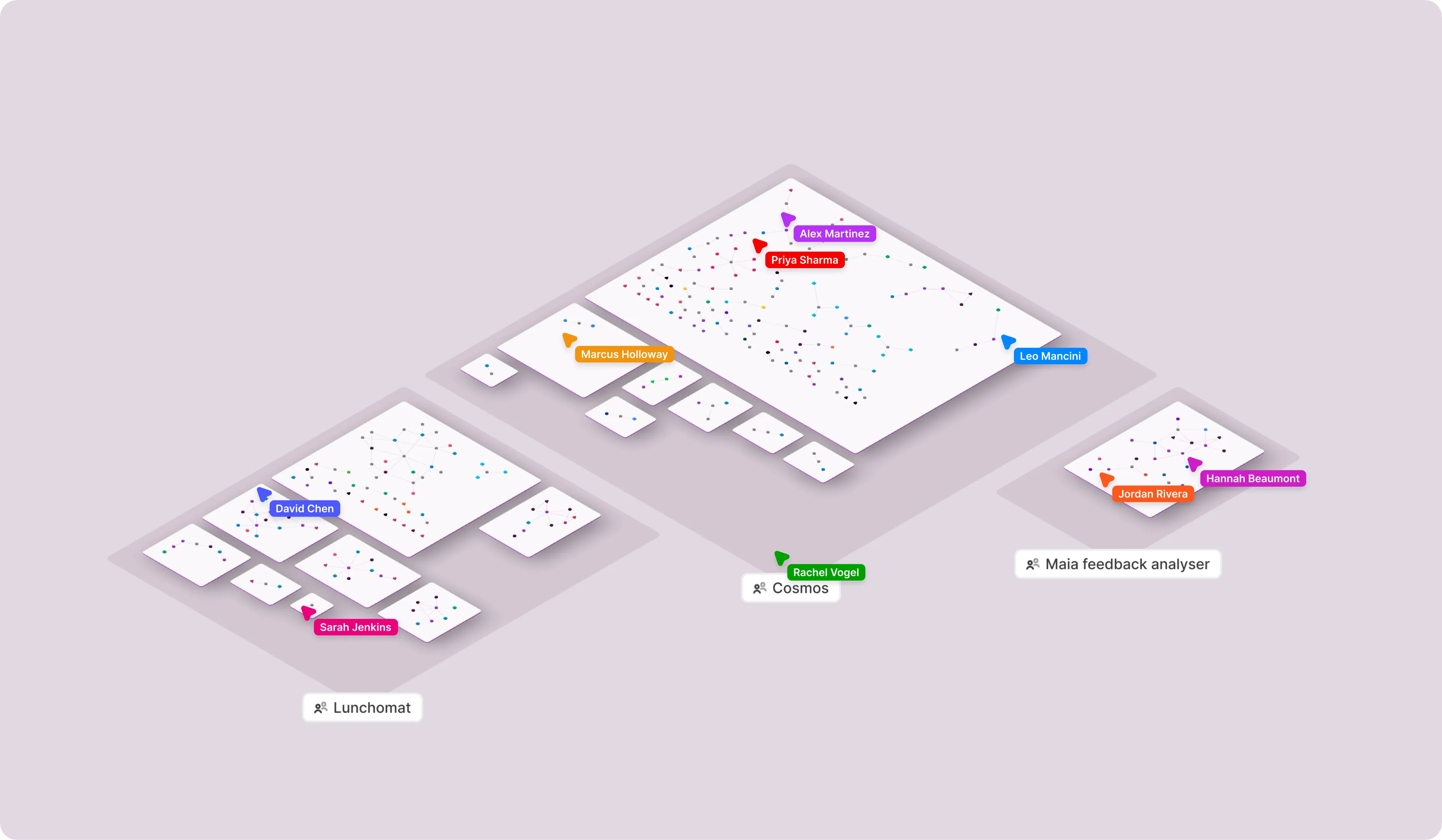
- View and edit objects from the Grid — Open, review, or edit your connected objects such as Google Sheets, Google Docs, Slides, and more directly from Make Grid.
For more information, see Open your dependencies from Make Grid.
- Improved navigation controls — Pan and zoom now work consistently across mice and trackpads, following the same conventions as other tools you already use. Use right-click to pan or pinch-to-zoom for smoother navigation.
Learn more
For additional information, see: