Organization and team info, apps updates
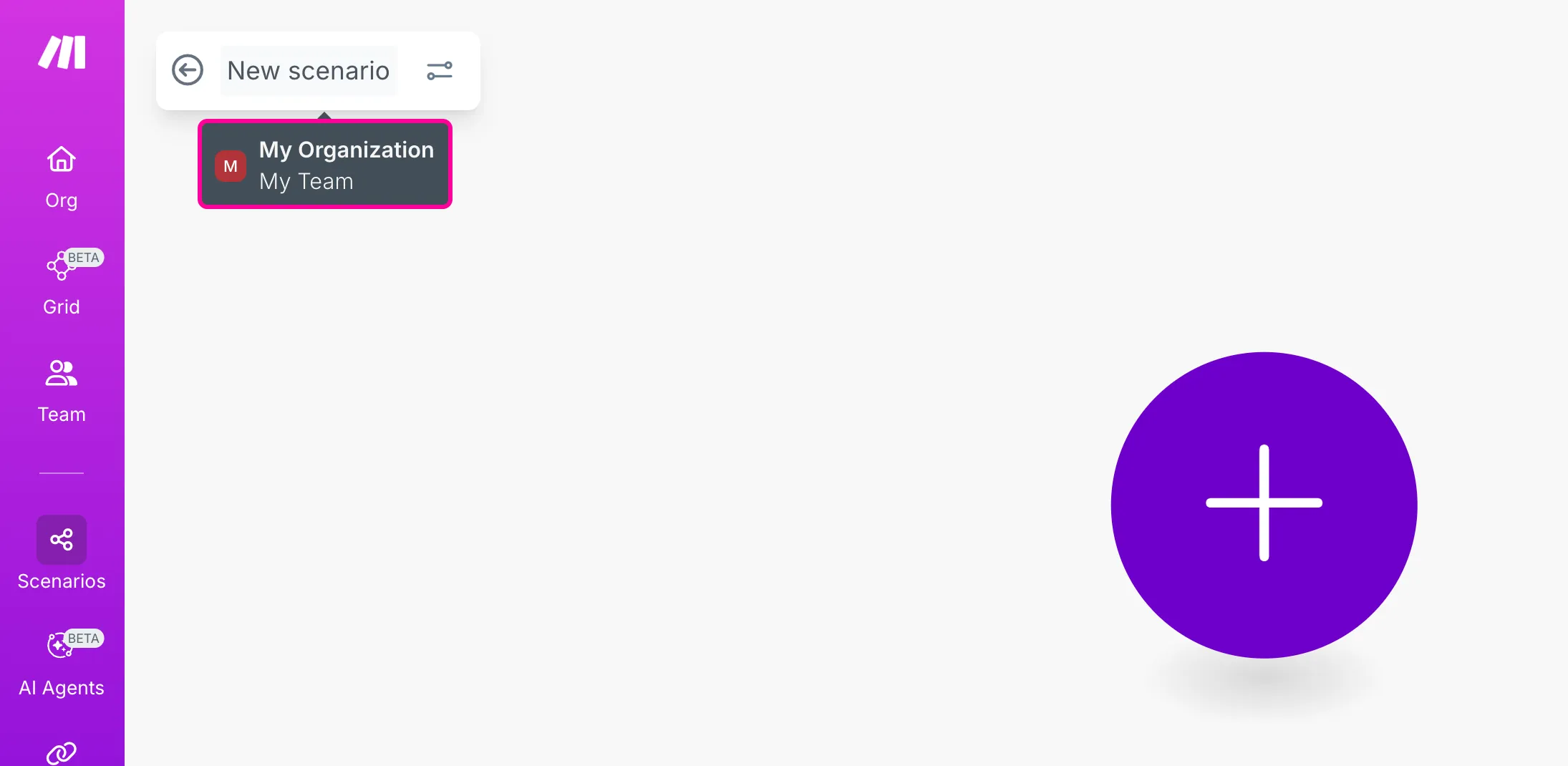
UI update: Organization and team info visible again
You can now quickly check which organization and team you’re in while working on the Scenario Builder. When the enhanced navigation was introduced, this information was temporarily hidden. Simply hover over the scenario name to see your organization and team names again. This helps you confirm that you’re editing the correct scenario in the right workspace.
Apps updates

OpenAI (ChatGPT, Sora, DALL-E, Whisper) — We’ve added new Video modules that let you generate and remix videos with Sora, track new video jobs, list and delete videos, and retrieve detailed video information. Module names were also refined for better clarity.

MCP Client — The list of verified remote MCP servers has been expanded. This update lets you securely connect to more trusted remote servers directly.

Notion — We've added the Internal connection type to all modules that were missing it. You can now use this connection type in any Notion module.

Runway — We've added a new Generate a Video from a Video module that allows you to create an AI-generated video using an existing video and a text prompt.

Virtuagym — The Virtuagym connection process is now simpler. You no longer need to provide your username and password when creating a new connection.

Parseur — We've added a new trigger module, Watch Process Failed, that triggers when a process doesn’t complete successfully.