Scenario Builder improvements, new app, and AI model updates
Improvements and changes
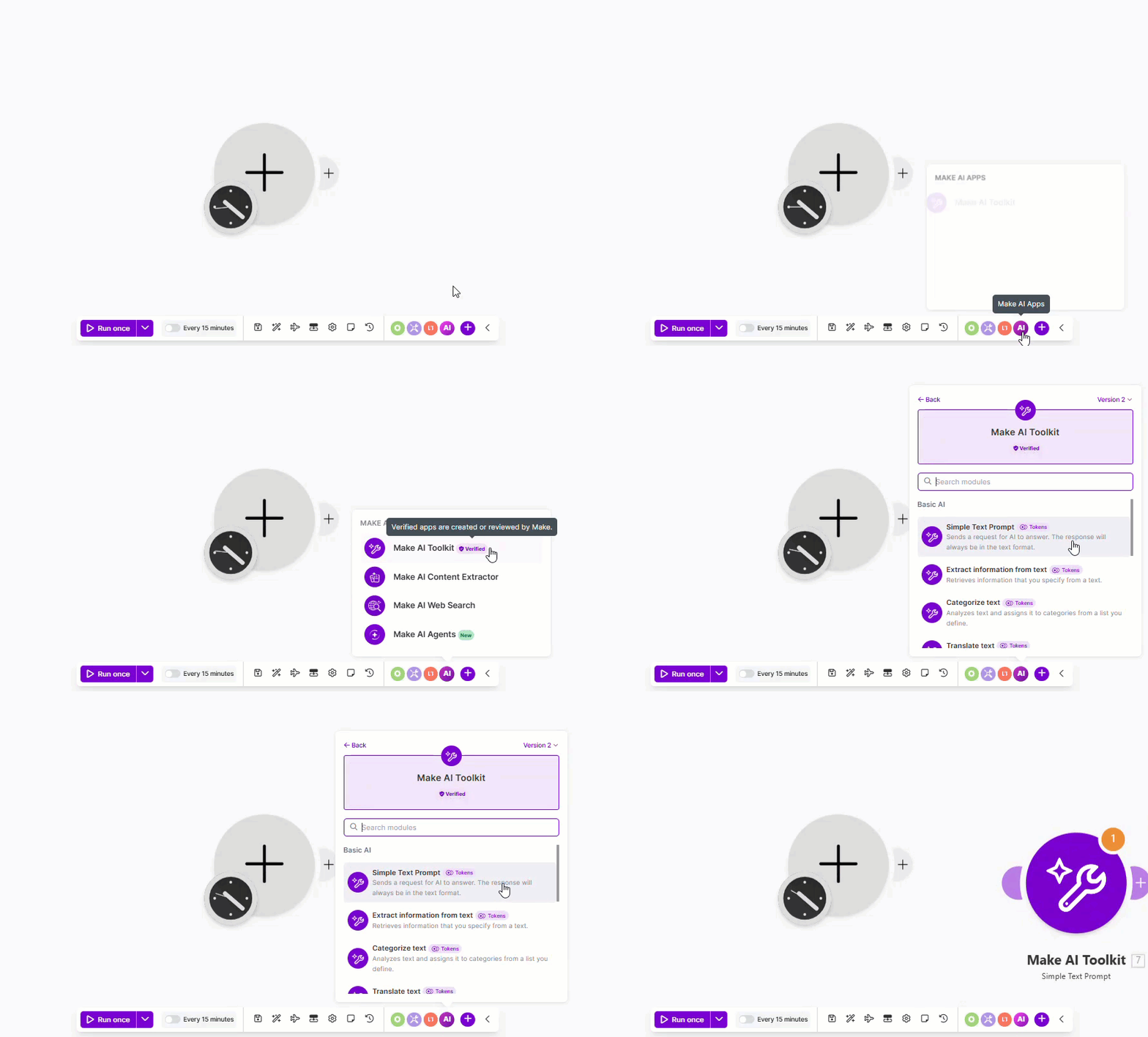
Make AI Apps button in the Scenario Builder toolbar
We've added a Make AI Apps button to the Scenario toolbar of the Scenario Builder. Use it to view the latest AI apps from Make and easily add them to the canvas.
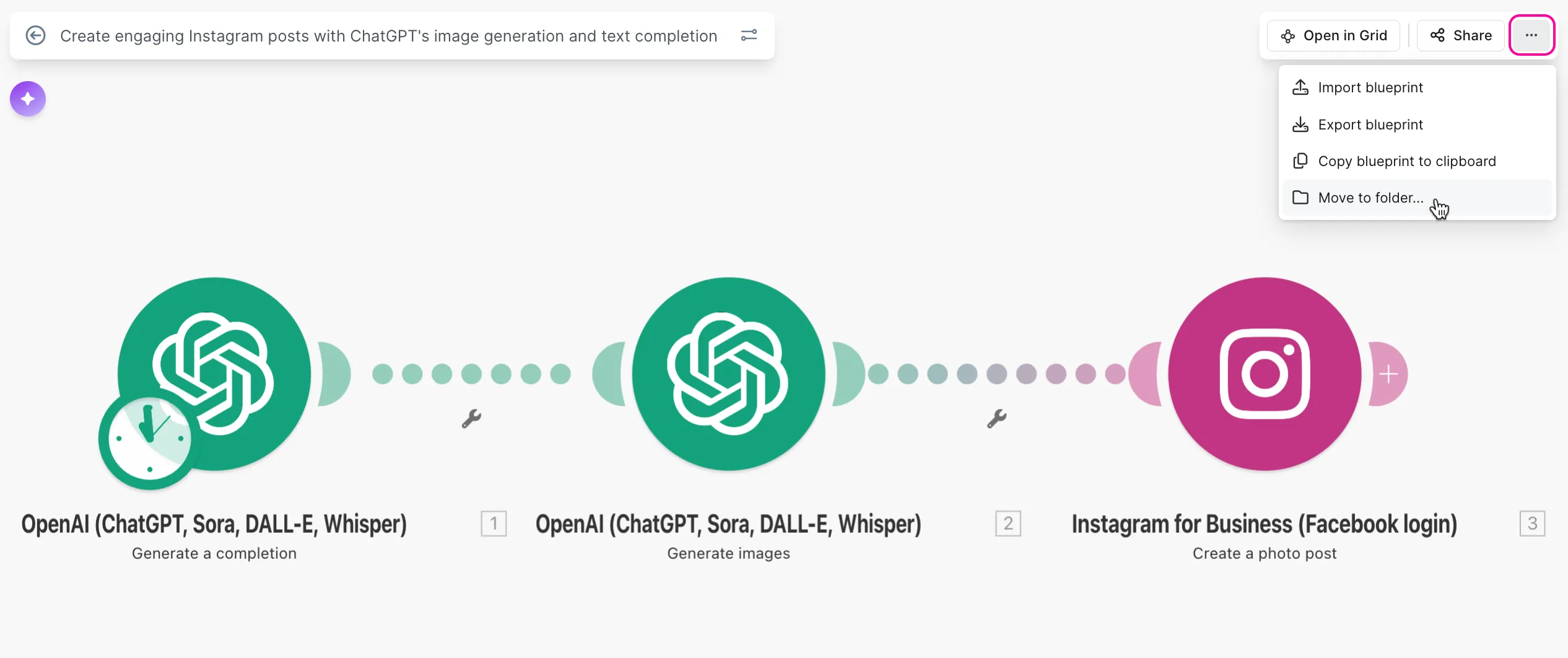
Move scenarios to folders directly from the Scenario Builder
Previously, moving a scenario to a particular folder required saving it first, then leaving the Scenario Builder and moving it from the scenario list or scenario diagram.
Now, you can move scenarios to folders directly from the Scenario Builder while working on them. This makes the process faster and more convenient.
New encryption and data security guide
All encryption and data security documentation has been consolidated into a new, comprehensive guide. It includes updated Encryptor app documentation, a breakdown of data-securing methods, and step-by-step examples for using AES, PGP, digital signatures, and hash functions in your scenarios.
App updates

HTTP
We've released a new Resolve URL module that allows you to follow all automatic redirects to identify the final destination address of a link.

A new app is now available that lets you manage transfer jobs in your Google Cloud Storage Transfer Service account with Make.

Gemini 3 Pro Preview model has been deprecated since March 9, 2026. Any scenarios using this model in the Simple text prompt or Generate a response modules have been automatically migrated to Gemini 3.1 Pro Preview to avoid interruptions. No action required.

We've made minor UX refinements for selecting spreadsheets.
We've added the option to use column headers as column IDs in the Add a Row and Update a Row modules. In this case, column header names are used as stable IDs, and as long as you don't rename your columns in the sheet, existing mappings will continue to work even if other columns are added, removed, or reordered in the table.

OpenAI
Chunking Strategy options are now available in the Generate a Transcription module when using the gpt-4o-transcribe-diarize model.
For more information, refer to the OpenAI app documentation.