Delete a scenario
Delete a scenario by moving it to Trash in the Scenarios tab. You can restore it from Trash to move it back to the scenarios list.
Move a scenario to Trash
When you move a scenario to Trash, Make stores it for 30 days before permanently deleting it.
To move a scenario to Trash:
In the left sidebar, click Scenarios.
Find the scenario you want to delete, and click the three-dot menu next to it.
Click Move to trash.
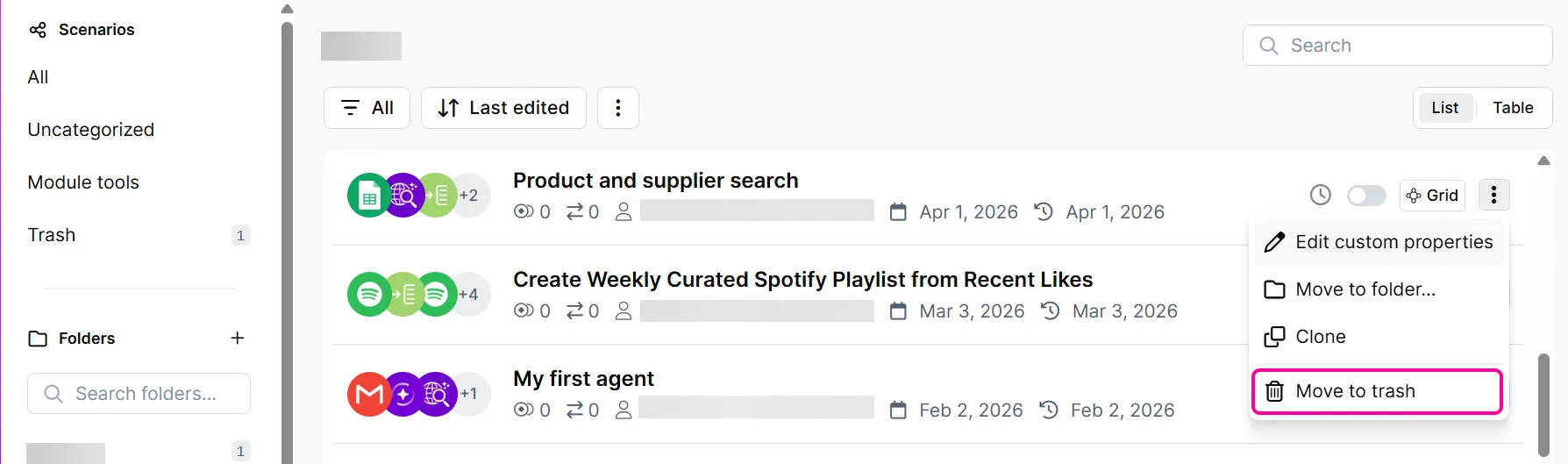
Click Move to trash to confirm.
You've now moved the scenario to Trash.
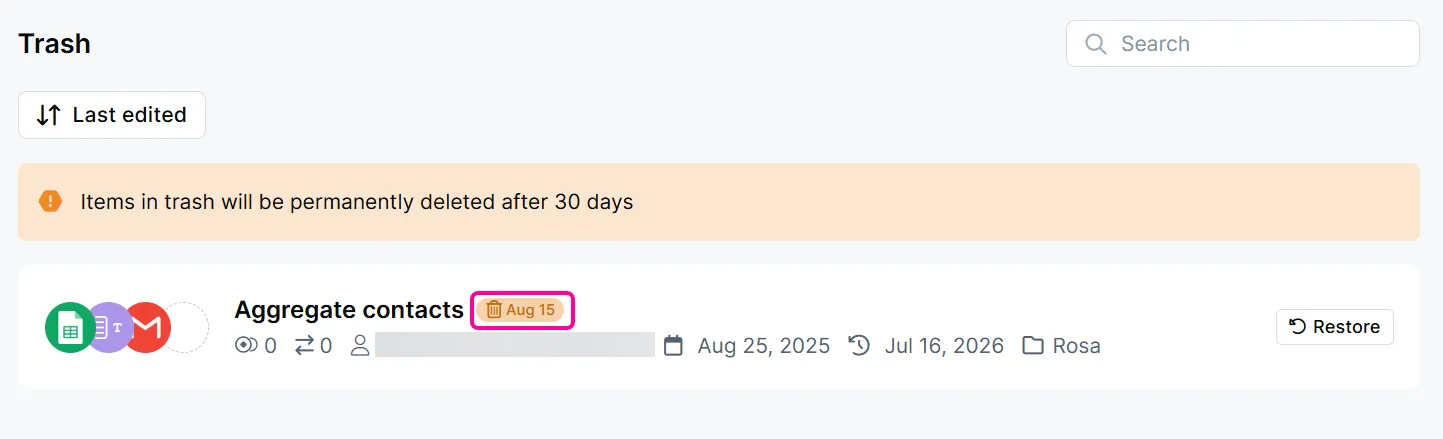
To check when Make will permanently delete that scenario, see the date next to the scenario name. You can restore the scenario at any time before then.
Restore a scenario from Trash
Restoring a scenario moves it back to your scenario list.
To restore a scenario:
In the left sidebar, Scenarios.
In the submenu, click Trash.
Find the scenario you want to restore, and click Restore.
Click Restore to confirm.
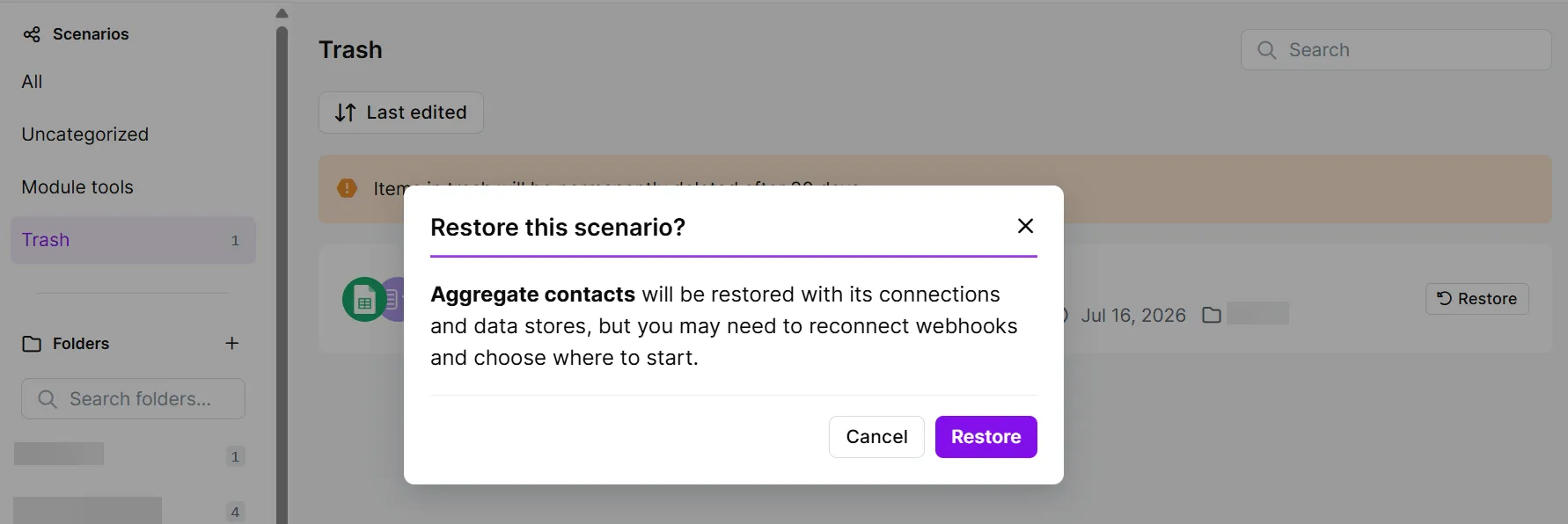
You've restored the scenario. Before running the scenario, you may need to choose where to start and reconnect any webhooks.