New module run panel and module search now available
2 min
The module run panel and module search help you find modules, variables, and module data in your scenarios, and review inputs and outputs as you build, test, and debug.
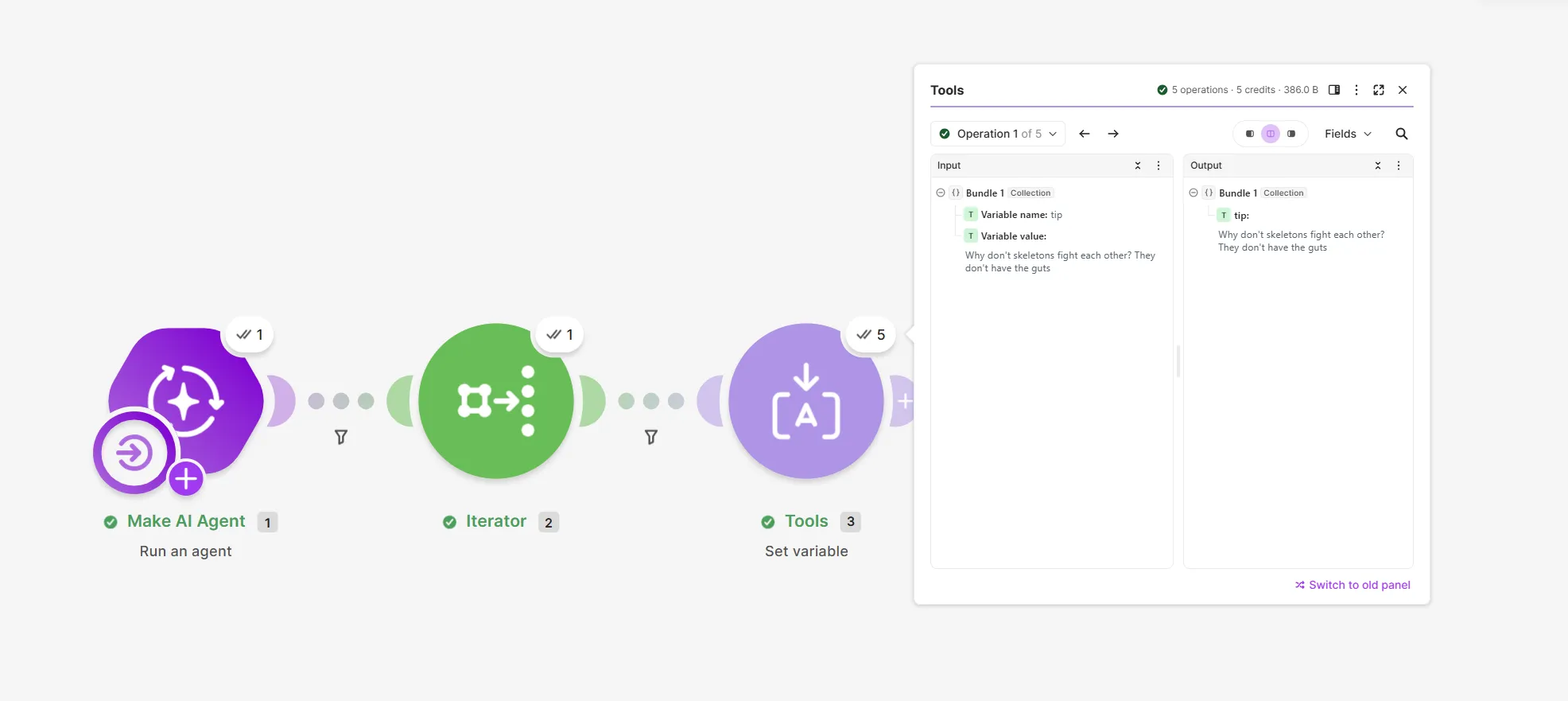
Key features
- Scenario search: Search by module name, module ID, or variable name using Cmd/Ctrl + F. Matches are highlighted, and you can move between them with Enter or arrow keys.
- Module search: Search field names and values across operations, then narrow results to inputs or outputs. Search also recognizes diacritics, so "z" finds "ž."
- Inputs and outputs: View a module's inputs and outputs side by side, or switch to an input- or output-only view.
- Operations: View operations one by one, or select All operations to view all.
- Fields, JSON, and reasoning: Switch between expandable fields, raw JSON, and AI reasoning (when applicable). Copy or download bundle data from either view, including arrays and collections.
- Panel docking: Dock module settings or run panels to compare modules on the canvas.
Availability
Available to all users on all plans. For a limited time, you can switch to the previous version of the module run panel.
Learn more
To learn how to use the module run panel and module search, see View module run data.